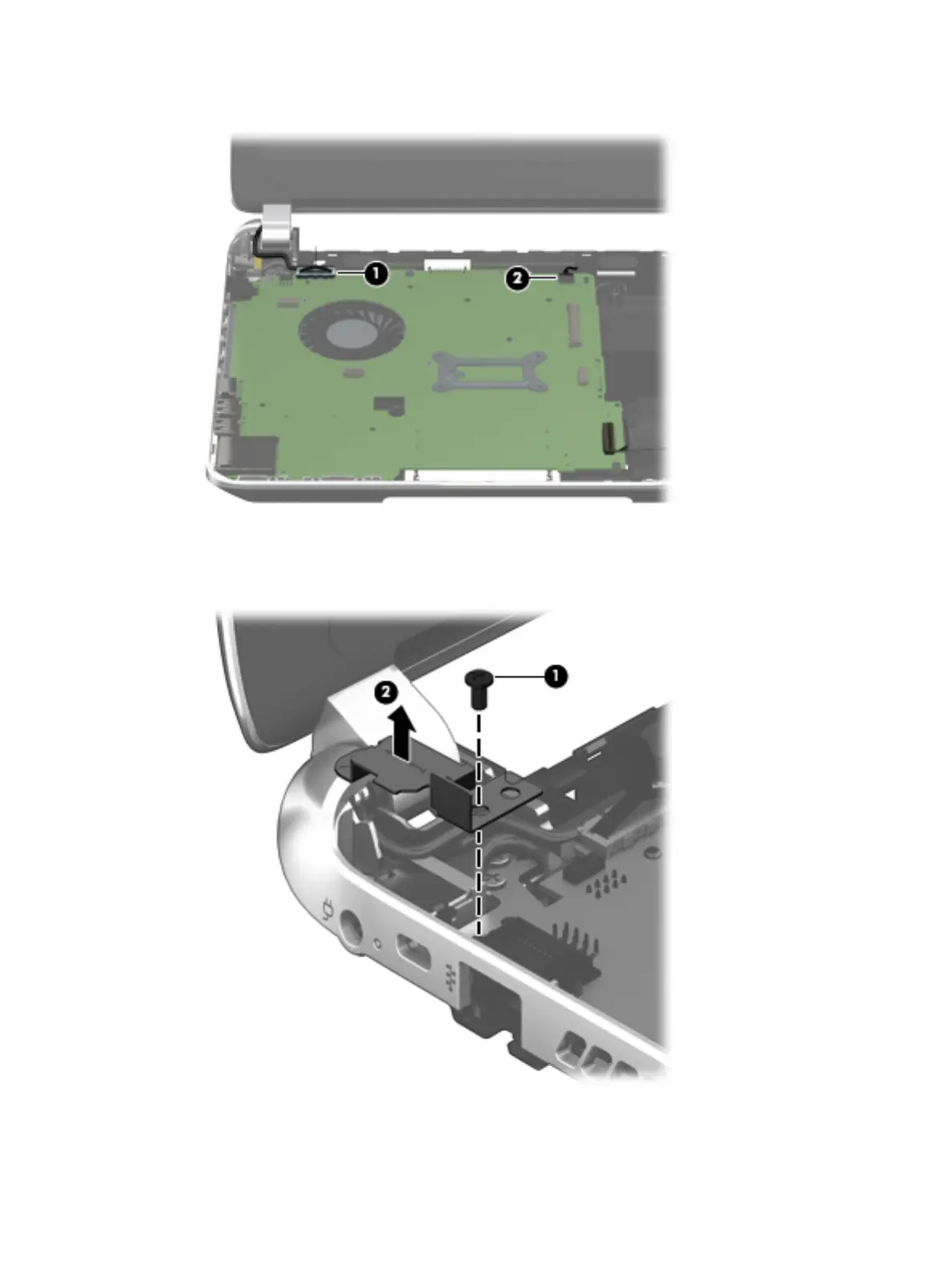
2. Disconnect the speaker cable (2) from the system board.
3. Remove the Phillips PM2.5×4.7 screw (1) that secures the power connector bracket to
the base enclosure.
4. Remove the power connector bracket (2).
5. Remove the two Phillips M2.5×4.7 screws (1) that secure the system board to the base enclosure.
6. Lift the right side of the system board (2) until it rests at an angle.
Component replacement procedures 51











 To Next Page