g. Hard drive (see Hard drive on page 47)
h. System board (see System board on page 50)
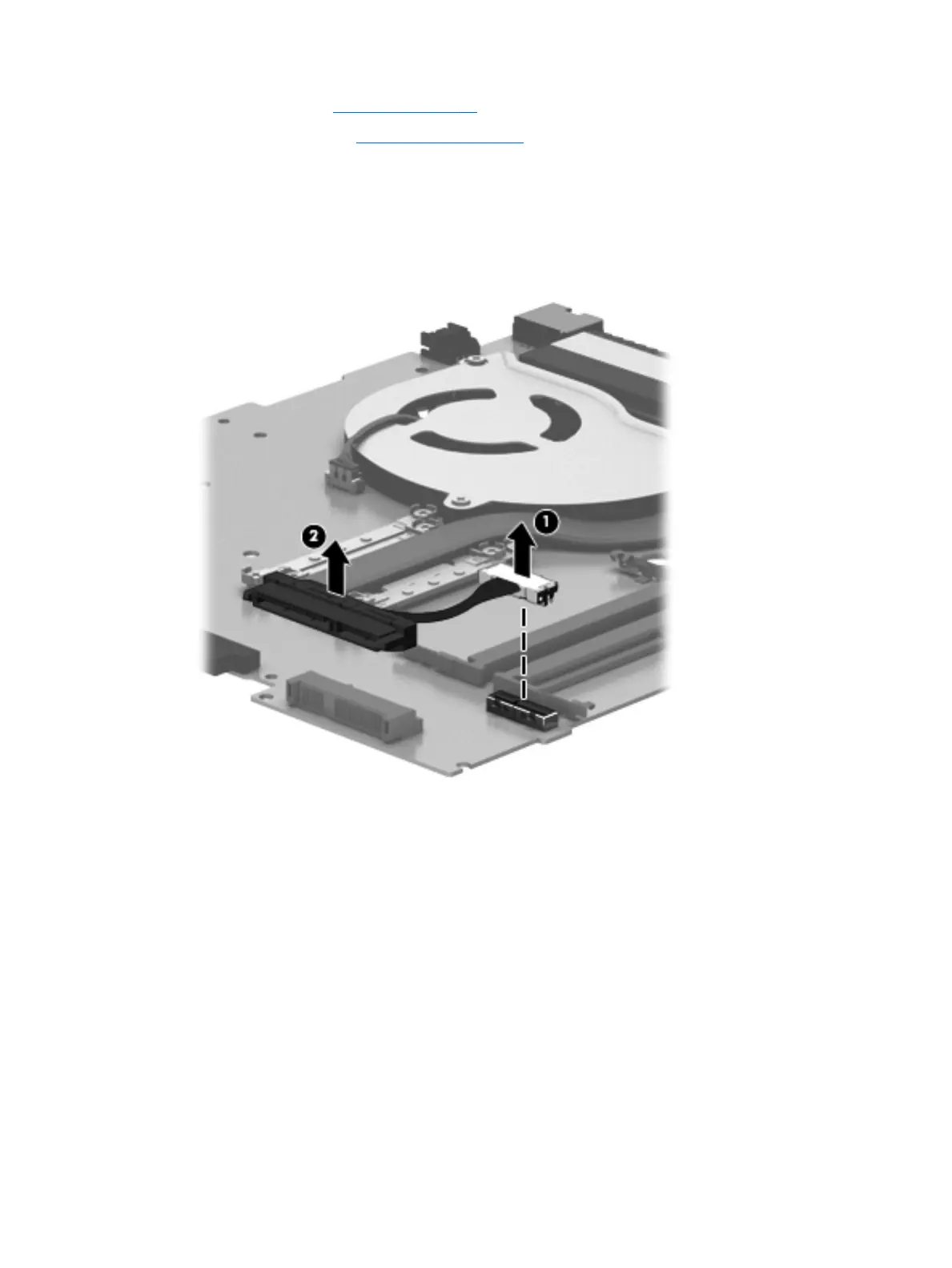
Remove the hard drive connector cable:
1. Turn the system board upside down with the front toward you.
2. Disconnect the hard drive connector cable (1) from the system board.
3. Remove the hard drive connector cable (2).
Reverse this procedure to install the hard drive connector cable.
Component replacement procedures 53











 To Next Page