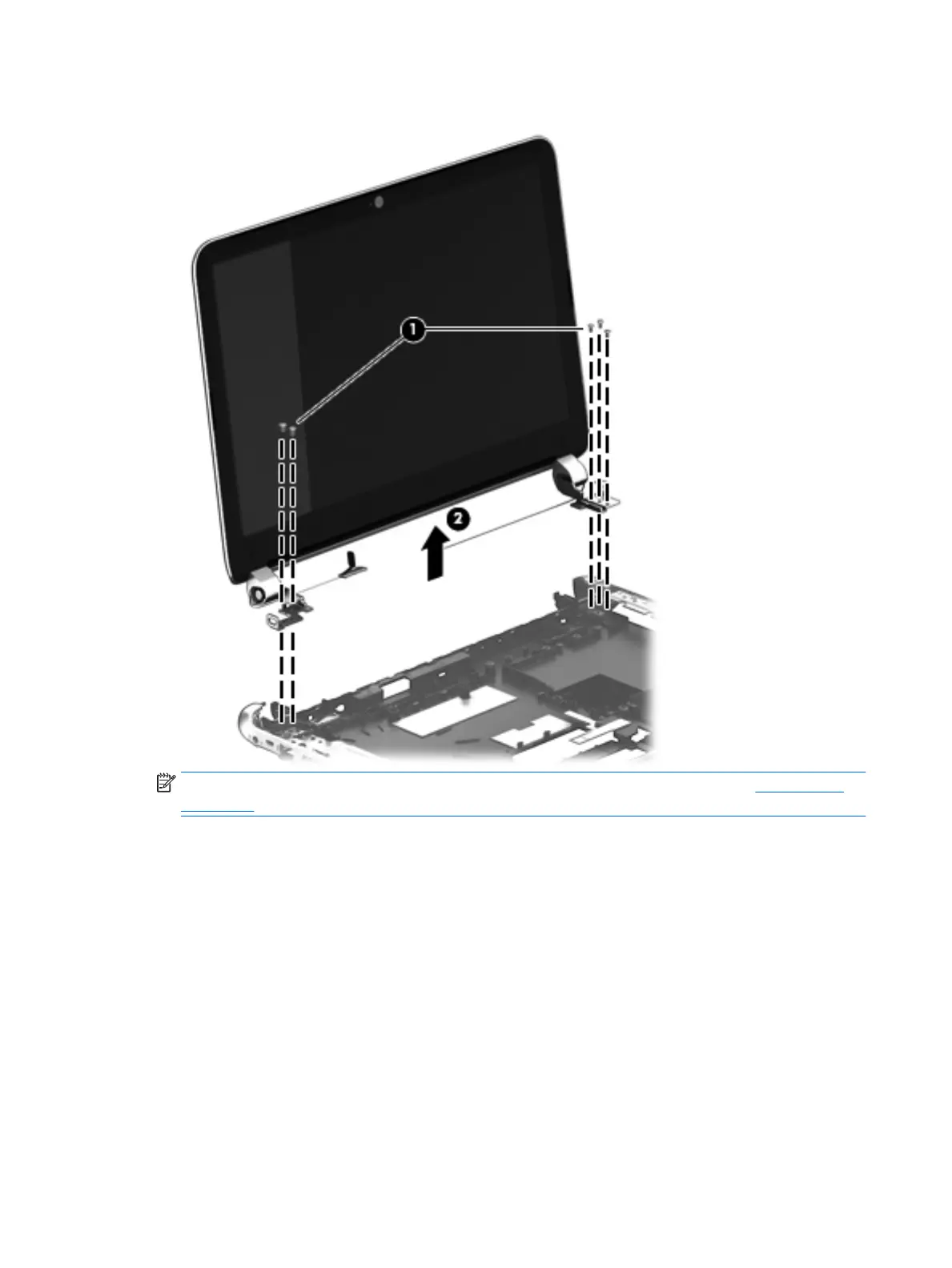
3. Remove the display assembly (2).
NOTE: If it is necessary to replace any display assembly internal subcomponents, see Display panel
on page 35 for display bezel and display panel removal instructions.
4. If it is necessary to replace the webcamera/microphone module:
a. Disconnect the webcamera/microphone module cable (1) from the webcamera/microphone
module. (The webcamera/microphone module cable is part of the display panel cable.)
64 Chapter 6 Removal and replacement procedures for Authorized Service Provider parts











 To Next Page