Rear I/O panel
Description Spare part number
Rear I/O panel 709678-001
1. Prepare the computer for disassembly (Preparation for disassembly on page 19).
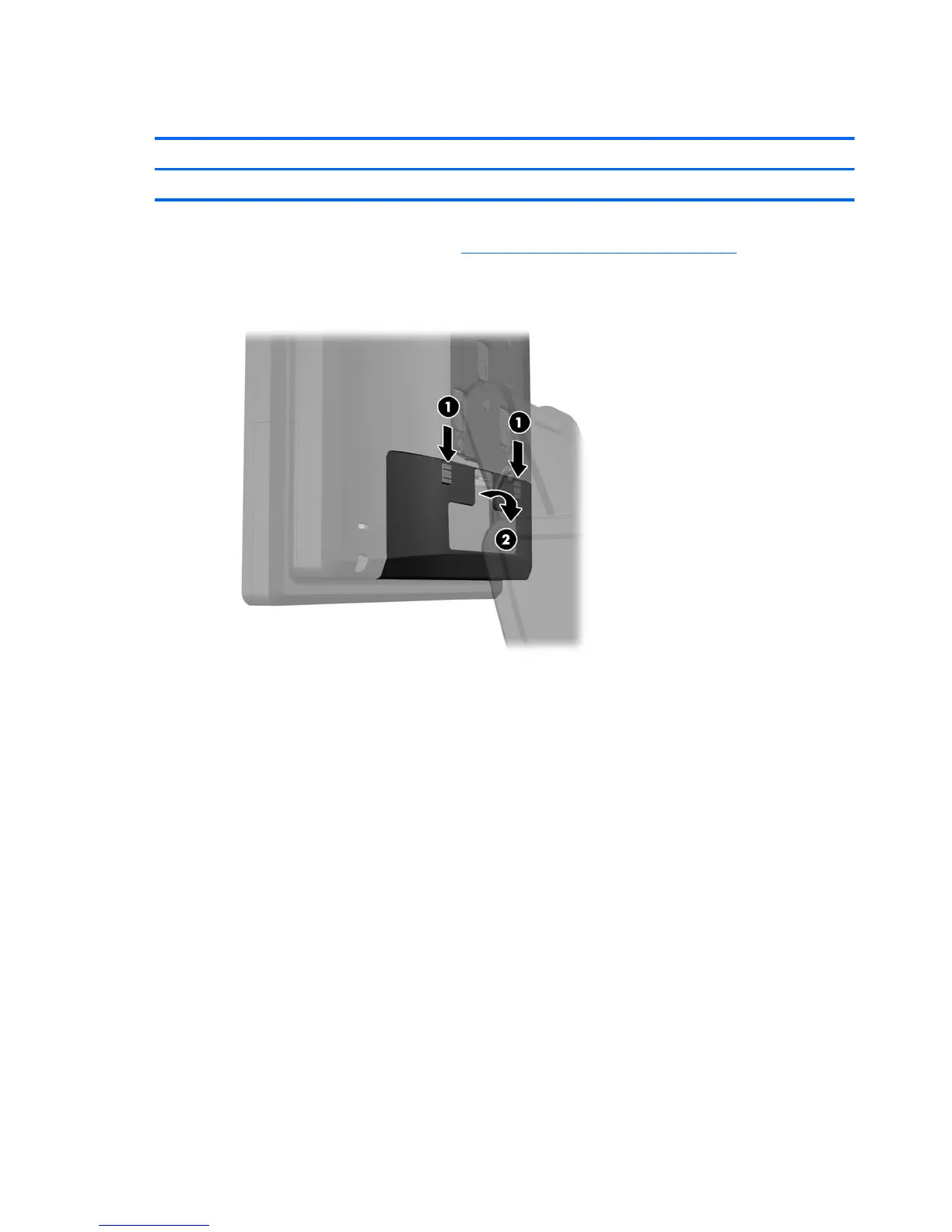
2. Slide down the two levers on the upper corners of the rear I/O panel (1) and rotate the cover off
(2).
To remove the rear I/O panel, reverse the installation procedures.
22 Chapter 4 Removal and replacement procedures













 To Next Page