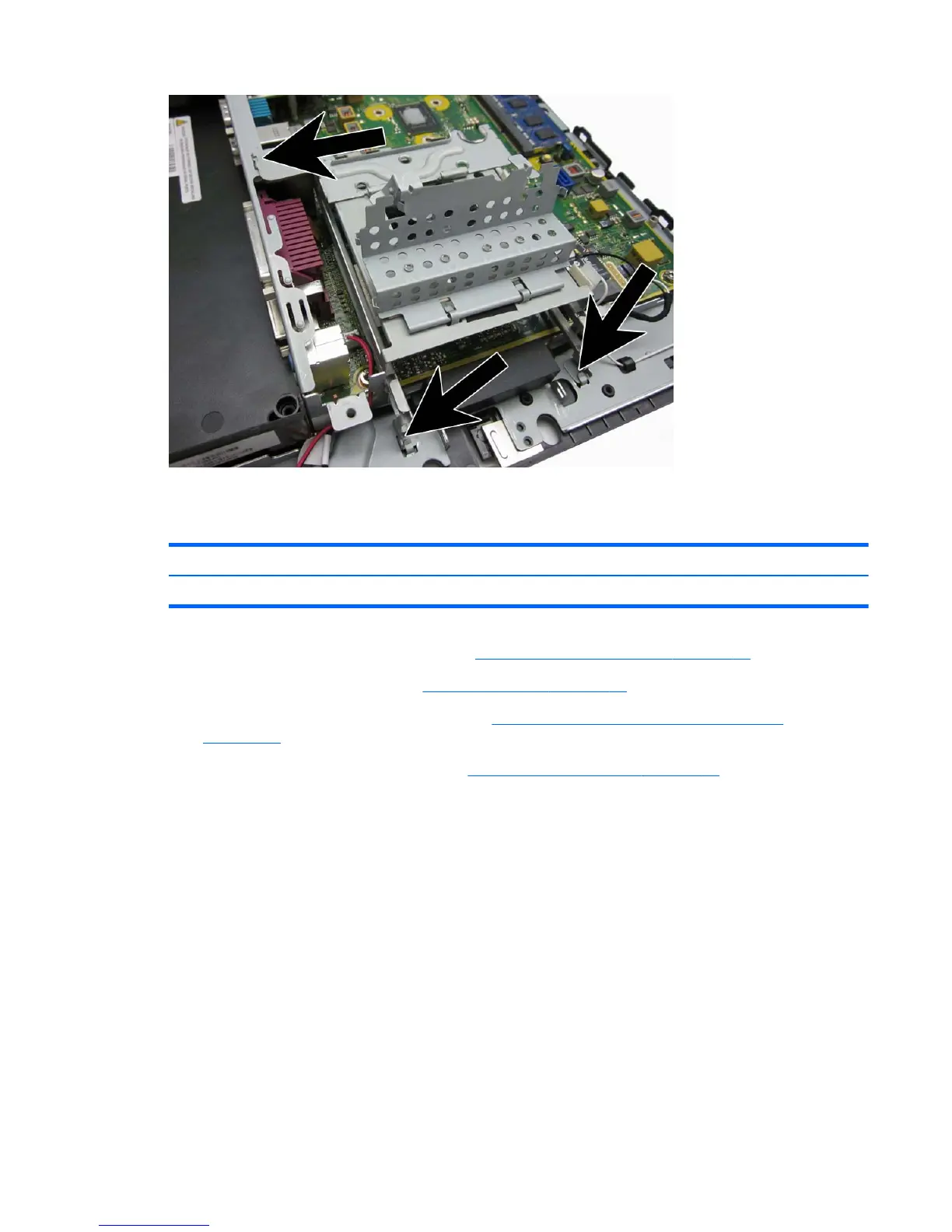
Hard drive LED cable
Description Spare part number
Hard drive LED cable 702777-001
1. Prepare the computer for disassembly (Preparation for disassembly on page 19).
2. Remove the VESA plate cover (
VESA plate cover on page 23).
3. Remove the display head from the stand (
Removing the display head from the stand
on page 52).
4. Remove the display head back panel (
Display head back panel on page 53).
5. Disconnect the cable from the system board connector labeled LED CR14(1).
6. Remove the cable from the routing path (2).
7. Remove the cable from the clips (3).
Hard drive LED cable 57













 To Next Page