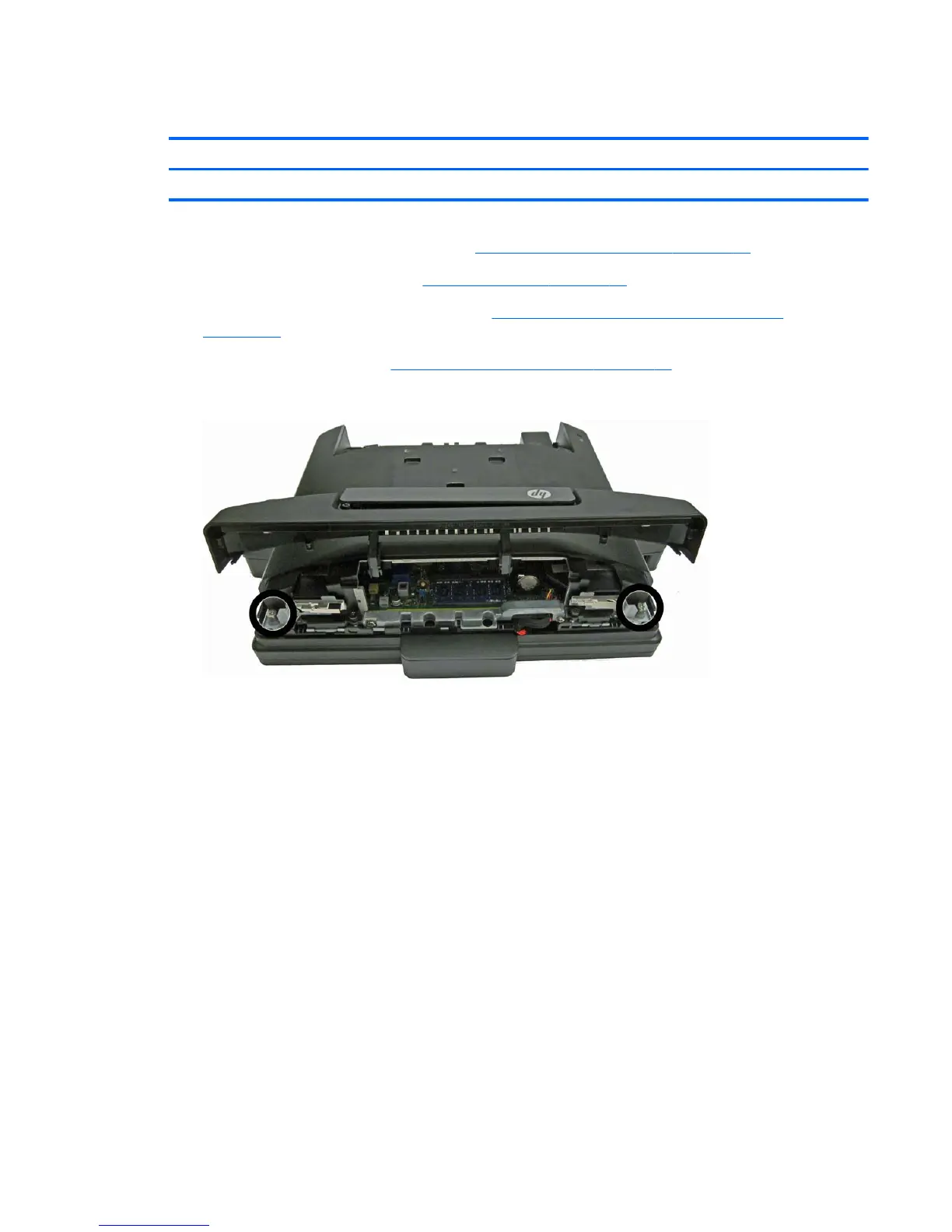
Display head back panel
Description Spare part number
Display head back panel (includes top access door) 712401-001
1. Prepare the computer for disassembly (Preparation for disassembly on page 19).
2. Remove the VESA plate cover (
VESA plate cover on page 23).
3. Remove the display head from the stand (
Removing the display head from the stand
on page 52).
4. Open the top access door (
Opening the top access door on page 24).
5. Loosen the two large, captive Torx screws at the top of the computer.
6. Loosen the two smaller, captive Torx screws in the upper corners of the rear I/O area (1).
Display head back panel 53













 To Next Page