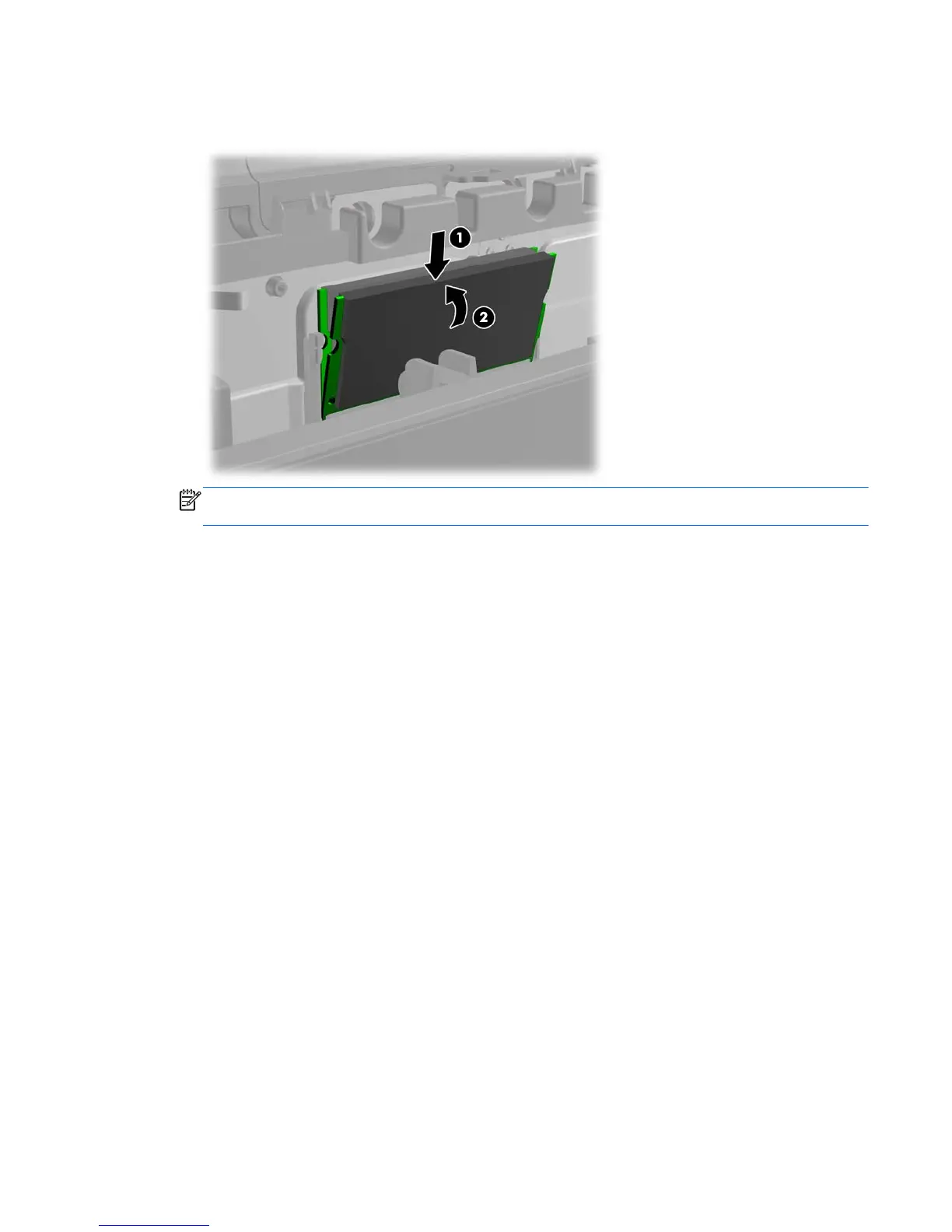
4. To install a SODIMM, slide the new SODIMM into the socket at approximately a 30° angle (1)
then press the SODIMM down into the socket (2) so that the latches lock it in place.
NOTE: A memory module can be installed in only one way. Match the notch on the module
with the tab on the memory socket.
The computer should automatically recognize the additional memory the next time you turn on the
computer.
Memory 43













 To Next Page