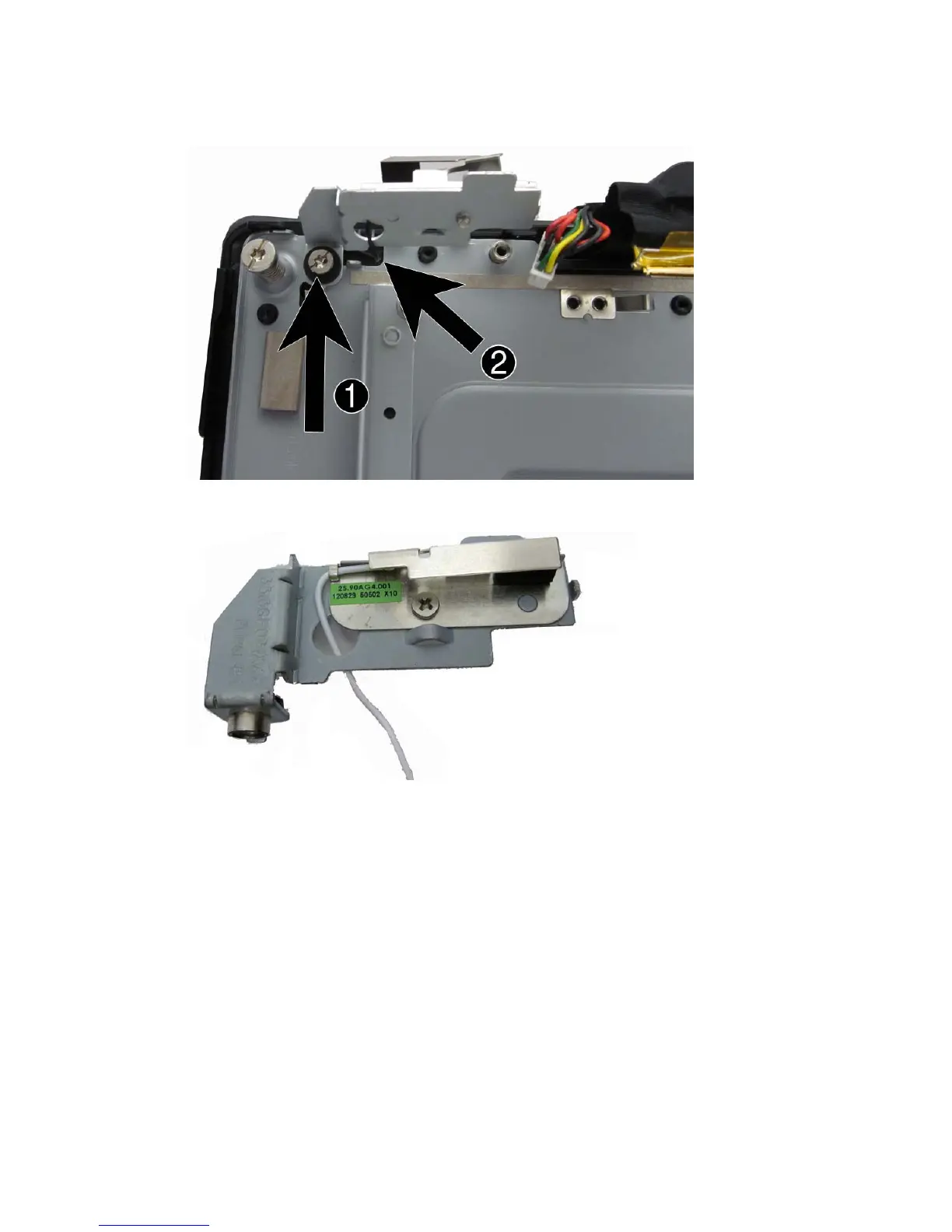
10. Remove the Torx screw (1) that secures the white antenna bracket to the computer, and then
pull the antenna through the hole (2) that routes to the back of the computer.
11. Remove the Phillips screw that secures the antenna to the rotating antenna bracket.
To install the display, reverse the removal procedures.
68 Chapter 4 Removal and replacement procedures













 To Next Page