Model
83522A
Service
If the signals are absent in the plug-in, check for the
+5V at AlOJ1, pin 2. Then
remove the front panel and check for
+5VR directly at the point where the RPG
leads are soldered to the
A1 Front Panel assembly. Then probe the two RPG
output leads for the waveforms in Figure 8-15. If they are absent, check that the
output lines are not shorted to ground. If not, replace the RPG.
Analog Circuitry
Analog circuitry on the
A2
Front Panel Interface processes the YO DRIVE V
signal to produce the
lV/GHz rear panel output and FREQ TRK V, used in the
ALC
loop.
Check that the YO DRIVE V signal is present at
TP1. It should resemble the
waveform shown in Figure 8-16. If it doesn't, trace the problem back to the A6
YO Driver assembly.
If it is present, check TP3 for the waveform shown in Figure 8-17. If it is present
on the
A2
assembly, but FREQ TRK V is missing on the A4 and A5 boards,
probe the emitter of Q3 for the same waveform offset by approximately 0.6 Vdc.
Analog switches
U9B, U9C, and U9D are controlled by latch U8. These switches
apply an offset to FREQ TRK V, and turn it off when external leveling is used.
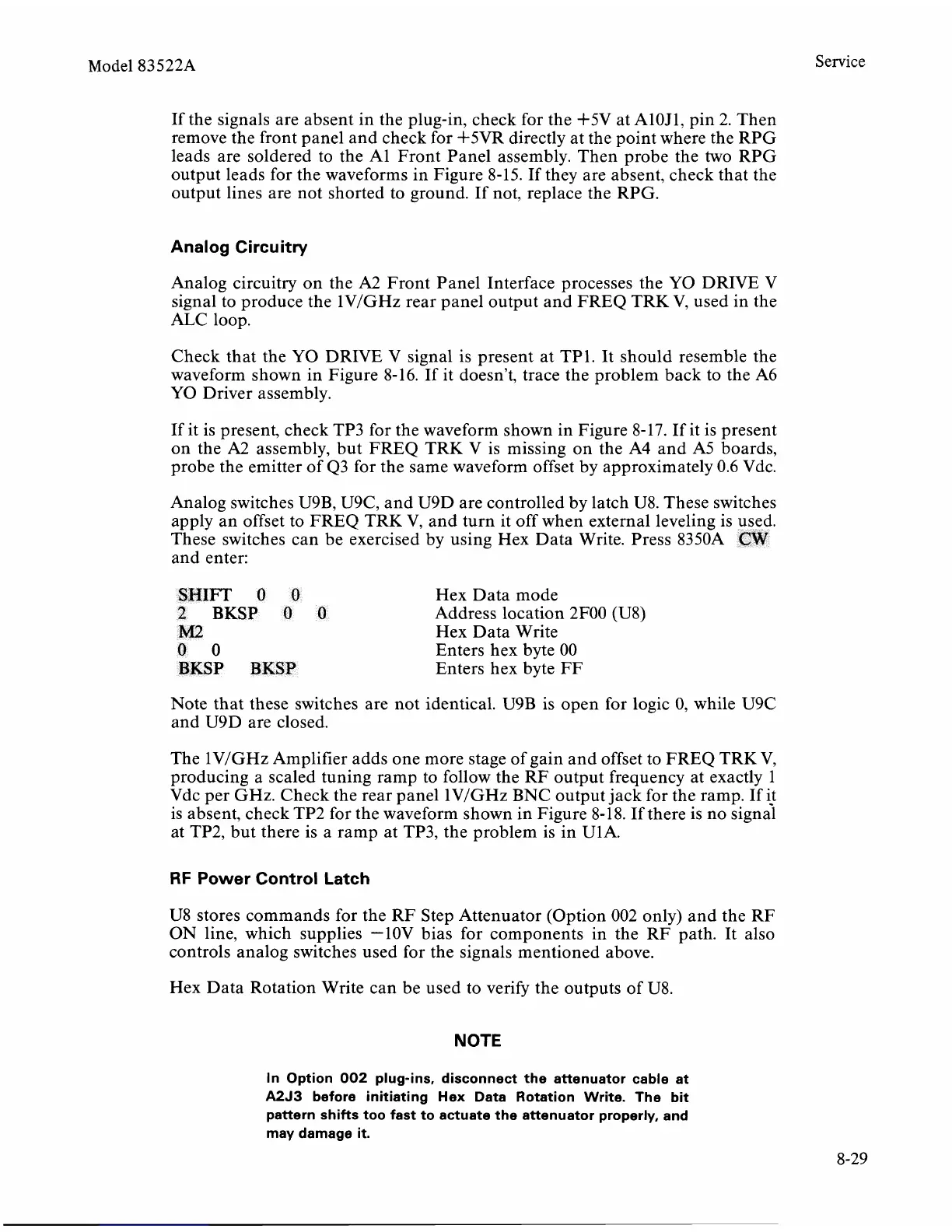
These switches can be exercised by using Hex Data Write. Press
8350A
CW
and enter:
SHIFT
0
0
Hex Data mode
2
BKSP
0
O
Address location 2F00 (U8)
M2
Hex Data Write
0
0
Enters hex byte 00
BKSP
BKSP
Enters hex byte
FF
Note that these switches are not identical. U9B is open for logic 0, while U9C
and U9D are closed.
The
1VIGHz Amplifier adds one more stage of gain and offset to FREQ TRK V,
producing a scaled tuning ramp to follow the RF output frequency at exactly 1
Vdc per
GHz. Check the rear panel lV/GHz BNC output jack for the ramp. If it
is absent, check TP2 for the waveform shown in Figure 8-18. If there is no
signal
at TP2, but there is a ramp at TP3, the problem is in U1A.
RF
Power Control
Latch
U8 stores commands for the RF Step Attenuator (Option 002 only) and the RF
ON line, which supplies -lOV bias for components in the RF path. It also
controls analog switches used for the signals mentioned above.
Hex Data Rotation Write can be used to verify the outputs of
U8.
NOTE
In Option
002
plug-ins, disconnect the attenuator cable at
A2J3
before initiating Hex Data Rotation Write. The bit
pattern shifts too fast to actuate the attenuator properly, and
may damage it.



 To Next Page