2-4
Modulate
or
Sum
the
Signals
How
to
Modulate
Channel
A
The
HP
8904A
offers you a wide selection of modulation
possibilities. In this demonstration, you will discover that you can
create many useful signals by simply modulating Channel
A
with
one other channel.
Set
Up
the
Carrier
1.
Press the
FREQ
key and enter
20
kHz
as
the Channel
A
frequency.
Note
If
you enter a
wrong
digit, simply press the
*=
key to backspace,
and then re-enter the correct digit.
2.
Press the
AMPTD
key and enter
2.5V.
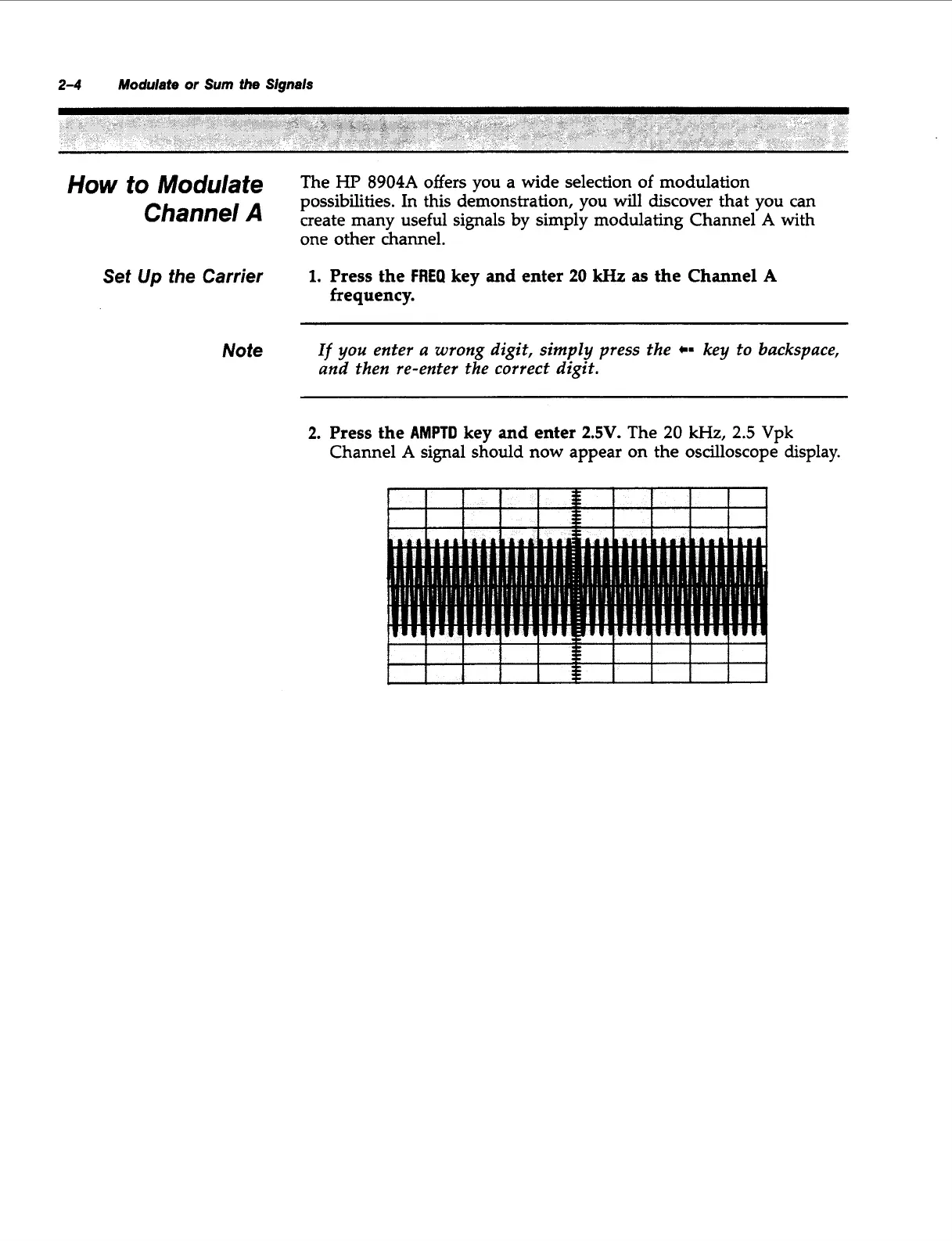
The
20
kHz,
2.5
Vpk
Channel
A
signal should now appear on the oscilloscope display.
I
I
I
I
1
I
i
I
I
I
Artisan Technology Group - Quality Instrumentation ... Guaranteed | (888) 88-SOURCE | www.artisantg.com



 To Next Page