2-8
Modulate
or
Sum
the Signals
Change the Carrier Waveform
11.
Press the
LAST
key
to
return to the Channel
A
Configuration
display.
Notice that
"11
S
E:"
now appears in the amplitude field
in the display to inform you that Channel
A's
output amplitude
has been set (suppressed) by the
DSB
modulation.
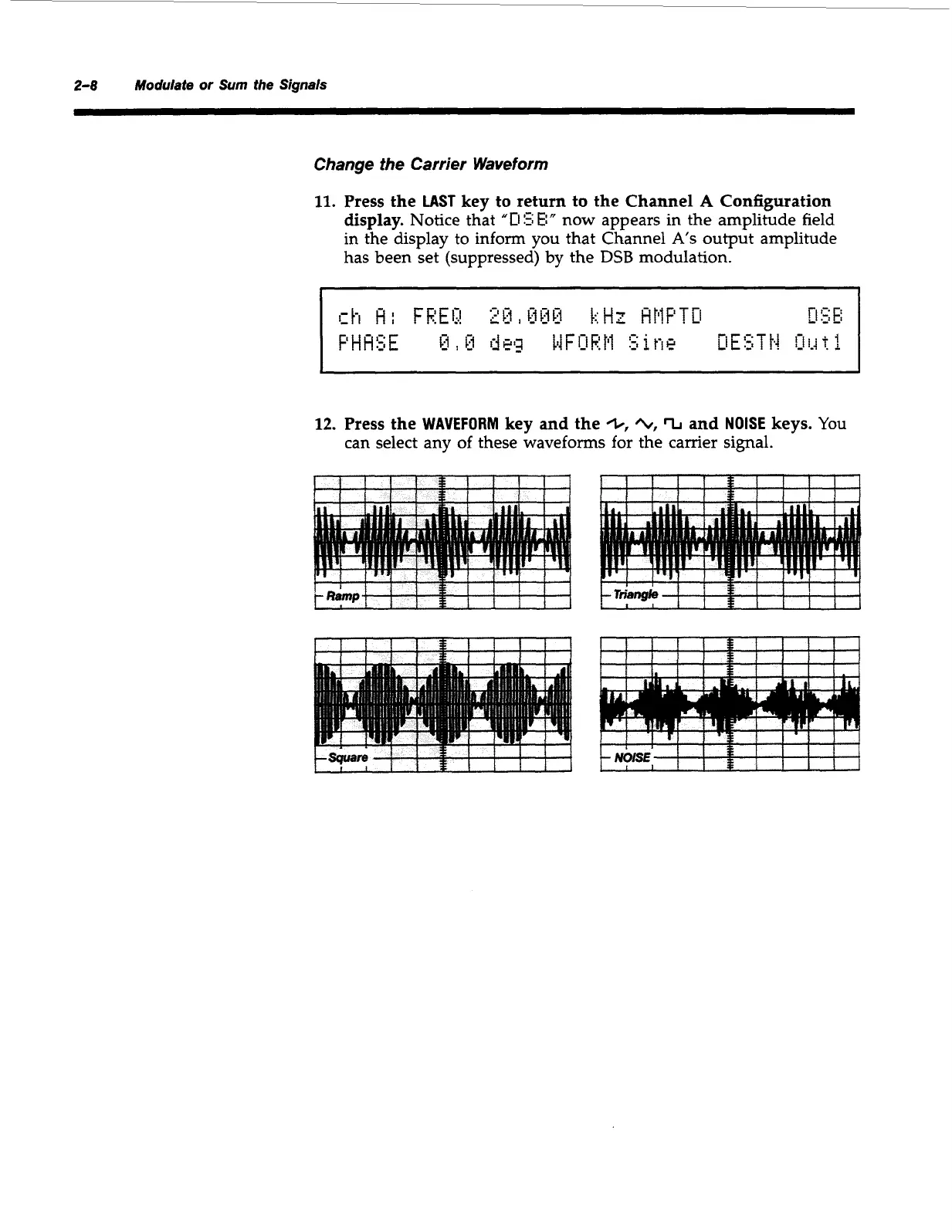
12.
Press the
WAVEFORM
key and the
+,
/L,
%
and
NOISE
keys.
You
can select any
of
these waveforms for the carrier signal.
i
!
!-!
'
t!
1-1
'
4
Artisan Technology Group - Quality Instrumentation ... Guaranteed | (888) 88-SOURCE | www.artisantg.com



 To Next Page