2-14
Modulate or
Sum
the
Signals
Sum
Channels
B
and C
1.
Press the blue
SHIFT
key, the
DESTN
key
and
the
AM
key to
configure Channel
C
to amplitude modulate Channel
A.
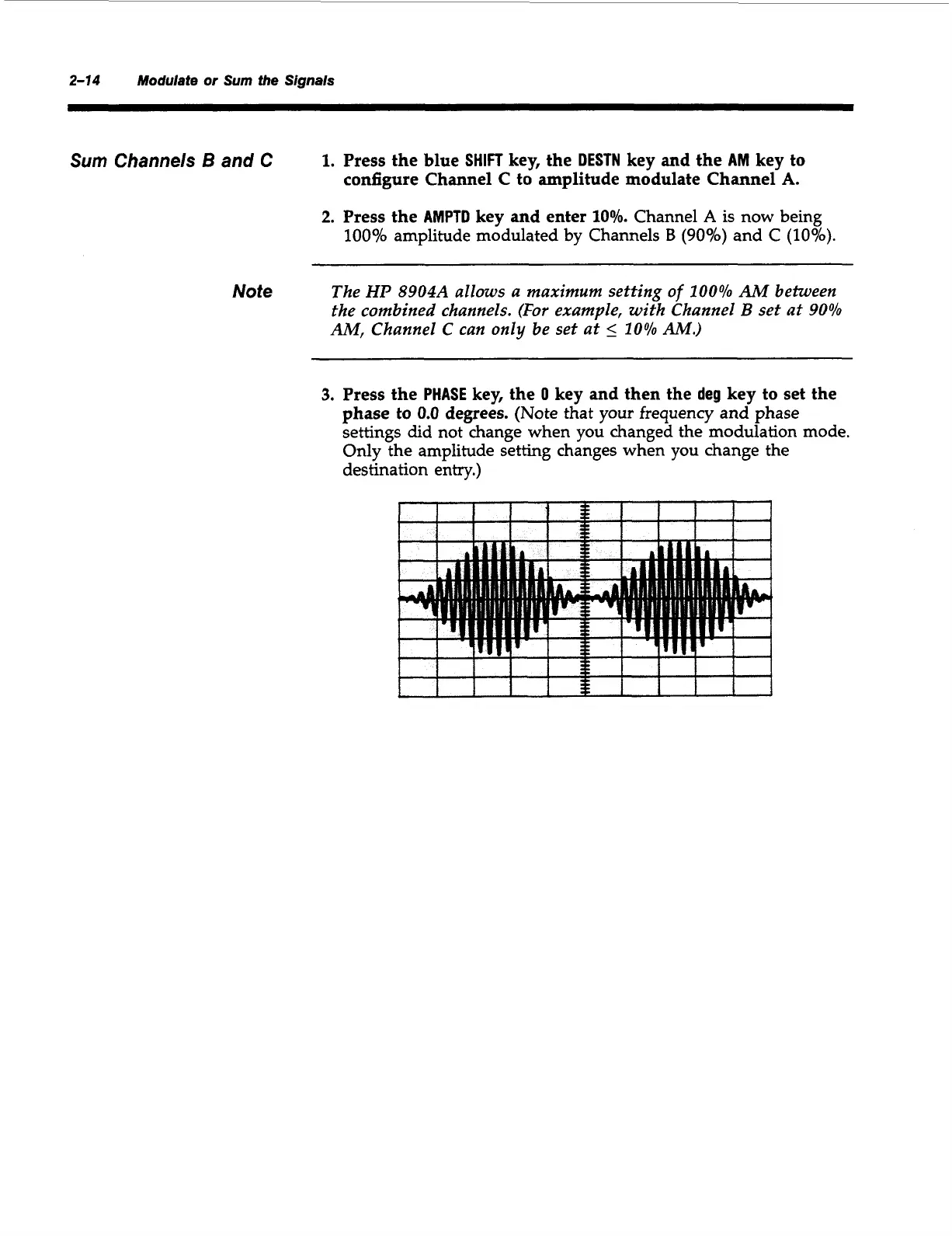
2.
Press the
AMPTD
key and enter
10%.
Channel
A
is now being
100%
amplitude modulated by Channels
B
(goo/,)
and C
(10%).
Note
The
HP
8904A
allows a maximum setting
of
100%
AM
between
the combined channels.
(For
example, with Channel
B
set at
90%
AM,
Channel
C
can
only
be set at
5
10%
AM.)
3.
Press the
PHASE
key, the
0
key and then the
deg
key to set the
phase to
0.0
degrees.
(Note that your frequency and phase
settings did not change when you changed the modulation mode.
Only the amplitude setting changes when you change the
destination entry.)
I
I
I
I
1
i
I
I
I I
I
I
I
I
I
I
f
1
I
1
I
I
I
i
I
I
1
I
I
I
Artisan Technology Group - Quality Instrumentation ... Guaranteed | (888) 88-SOURCE | www.artisantg.com



 To Next Page