3-12
Output
a
Sequence
of
Signals
Specify the
Sequence Order
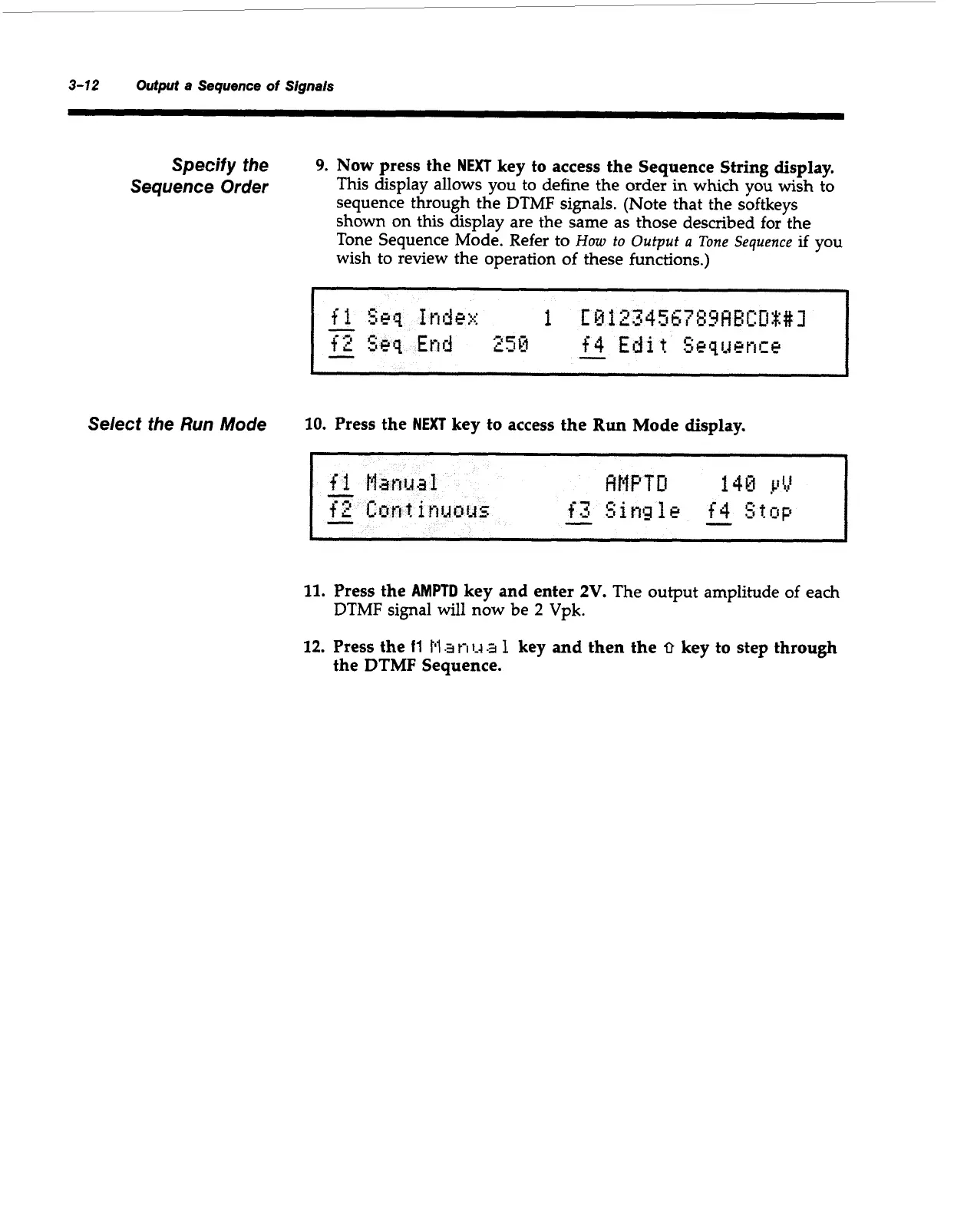
9.
Now
press the
NEXT
key to access the Sequence String display.
This display allows you to define the order
in
which you wish to
sequence through the
DTMF
signals. (Note that the softkeys
shown on this display are the same as those described for the
Tone Sequence Mode. Refer to
How
to
Output
a
Tone
Sequence
if
you
wish to review the operation of these functions.)
~
~-
~
Select
the Run Mode
10.
Press the
NEXT
key to access the Run Mode
display.
11.
Press the
AMPTD
key and enter
2V.
The output amplitude of each
DTMF signal
will
now be
2
Vpk.
12.
Press
the
11
Pl
an
1-4
a
1
key and then the
0
key to step through
the
DTMF
Sequence.
Artisan Technology Group - Quality Instrumentation ... Guaranteed | (888) 88-SOURCE | www.artisantg.com



 To Next Page