4-4
Output
Two
Signals at Once
Output Port
7
2.
Press the
NEXT
key to access the Channel
A
Configuration
display.
Notice that the destination for Channel
A
is
already set
to output
1.
Output Port
2
3.
Press the
AMPTD
key and enter
1V.
4.
Press the
WAVEFORM
key and then
rL
key to output a square
wave from Channel
A
at Output Port
1.
5.
Press the
NEXT
key to access the Channel
B
Configuration
display.
Notice that the destination for Channel
B
is already set
to output
2.
6.
Press the
AMPTD
key and enter
1V.
7.
Press the
WAVEFORM
key and then the
+
key to select a ramp
waveform.
Two signals should
now
appear on the oscilloscope
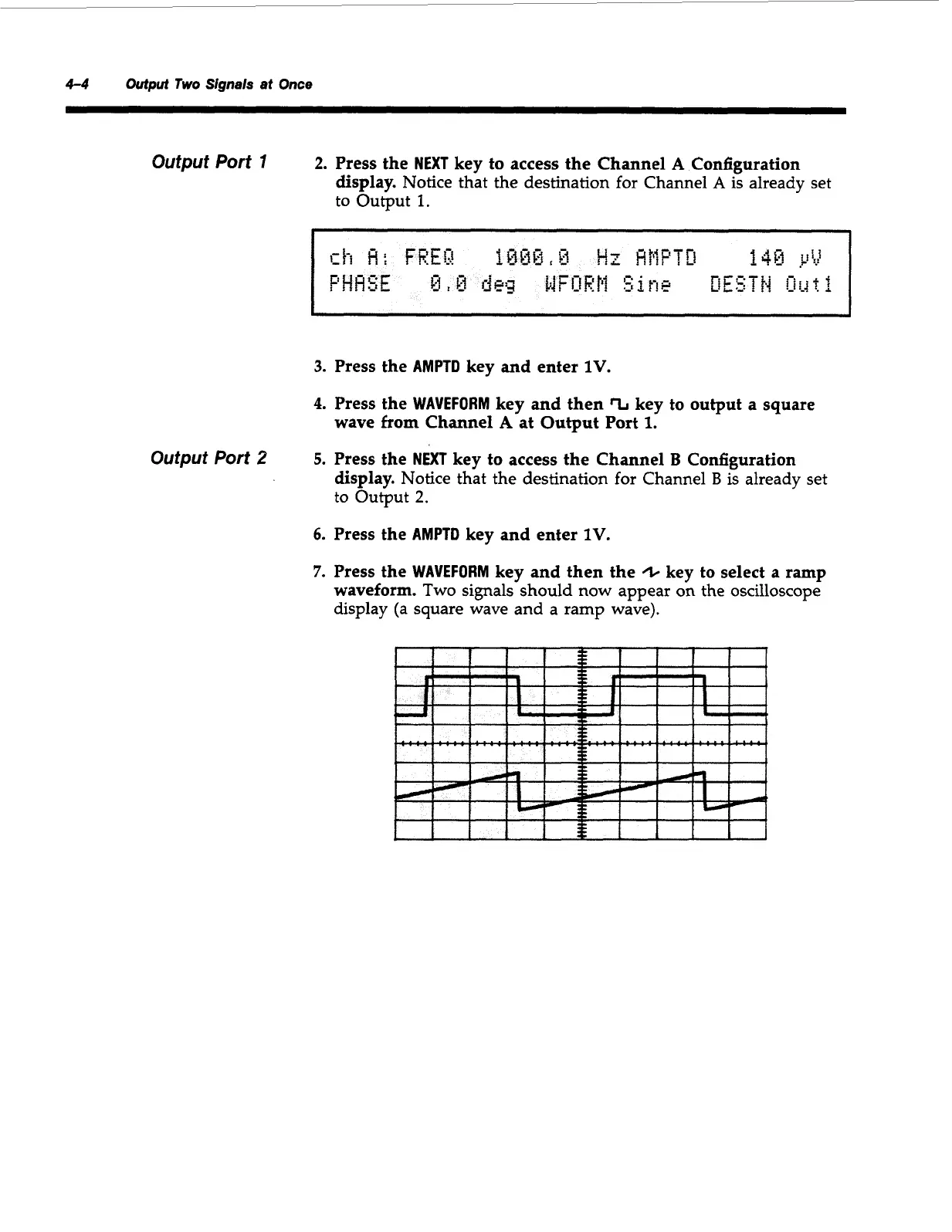
display (a square wave and a ramp wave).
Artisan Technology Group - Quality Instrumentation ... Guaranteed | (888) 88-SOURCE | www.artisantg.com



 To Next Page