EasyManua.ls Logo

HP 8904A - Page 176

HP 8904A
281 pages
Print Icon
To Next Page IconTo Next Page
To Previous Page IconTo Previous Page
Loading...
Output
Two
Signals
at
Once
4-9
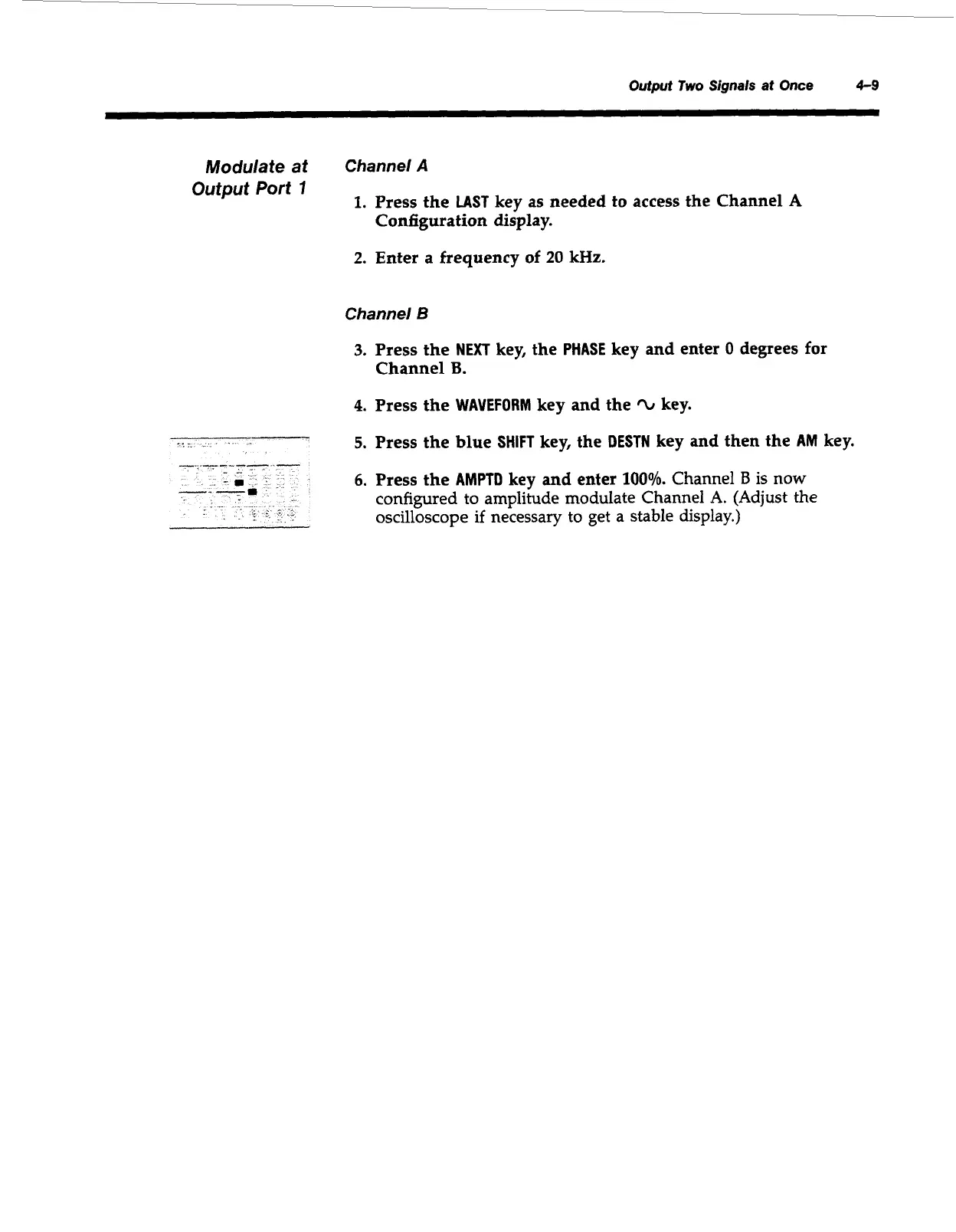
Modulate at
Channel
A
Output Port
7
1.
Press the
LAST
key as needed to access the Channel
A
Configuration display.
2.
Enter
a frequency
of
20
kHz.
Channel
B
3.
Press the
NEXT
key, the
PHASE
key and enter
0
degrees for
Channel
B.
4.
Press the
WAVEFORM
key and the
‘L
key.
5.
Press the blue
SHIFT
key, the
DESTN
key and then the
AM
key.
6.
Press the
AMPTD
key
and
enter
100%.
Channel
B
is now
configured to amplitude modulate Channel A. (Adjust
the
oscilloscope
if
necessary to get a stable display.)
Artisan Technology Group - Quality Instrumentation ... Guaranteed | (888) 88-SOURCE | www.artisantg.com

Table of Contents

Other manuals for HP 8904A

Related product manuals