EasyManua.ls Logo

HP 8904A - Page 177

HP 8904A
281 pages
Print Icon
To Next Page IconTo Next Page
To Previous Page IconTo Previous Page
Loading...
4-10
Output
Two
Signals
at
Once
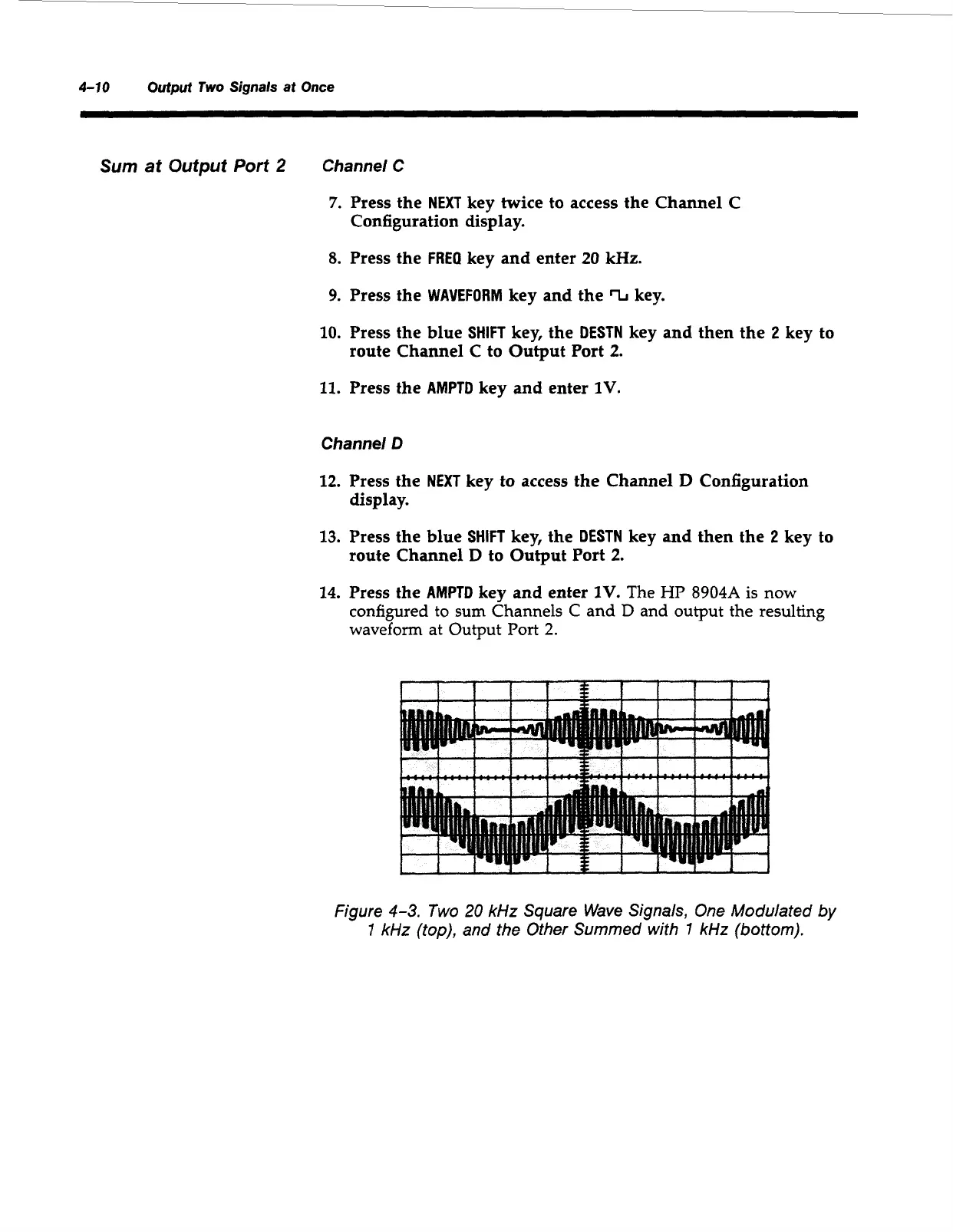
Sum
at
Output
Port
2
Channel C
7.
Press the
NEXT
key twice to access the Channel C
Configuration display.
8.
Press the
FREQ
key and enter
20
kHz.
9.
Press the
WAVEFORM
key and the
%
key.
10.
Press the blue
SHIFT
key, the
DESTN
key and then the
2
key to
route Channel
C
to Output Port
2.
11.
Press the
AMPTD
key and enter
1V.
Channel
D
12.
Press the
NEXT
key to access the Channel
D
Configuration
display.
13.
Press the blue
SHIFT
key, the
DESTN
key and then the
2
key to
route Channel
D
to Output Port
2.
14.
Press the
AMPTD
key and enter
1V.
The
HP
8904A
is
now
configured to
sum
Channels C and
D
and output the resulting
waveform at Output Port
2.
1
I
I
I
I I
I
Figure
4-3.
Two
20
kHz
Square Wave Signals,
One
Modulated
by
1
kHz
(top), and the Other Summed
with
7
kHz
(bottom).
Artisan Technology Group - Quality Instrumentation ... Guaranteed | (888) 88-SOURCE | www.artisantg.com

Table of Contents

Other manuals for HP 8904A

Related product manuals