5-4
Hop the Output
Signal
How
Configure
Channel
A
The
HP
8904A
enables you to hop Channel
A's
frequency, amplitude
and/or phase settings. This demonstration will step you through the
process
of
entering the settings you wish to have Channel
A
hop to.
for
Hopping
Note
Only Channel
A's
settings can be hopped.
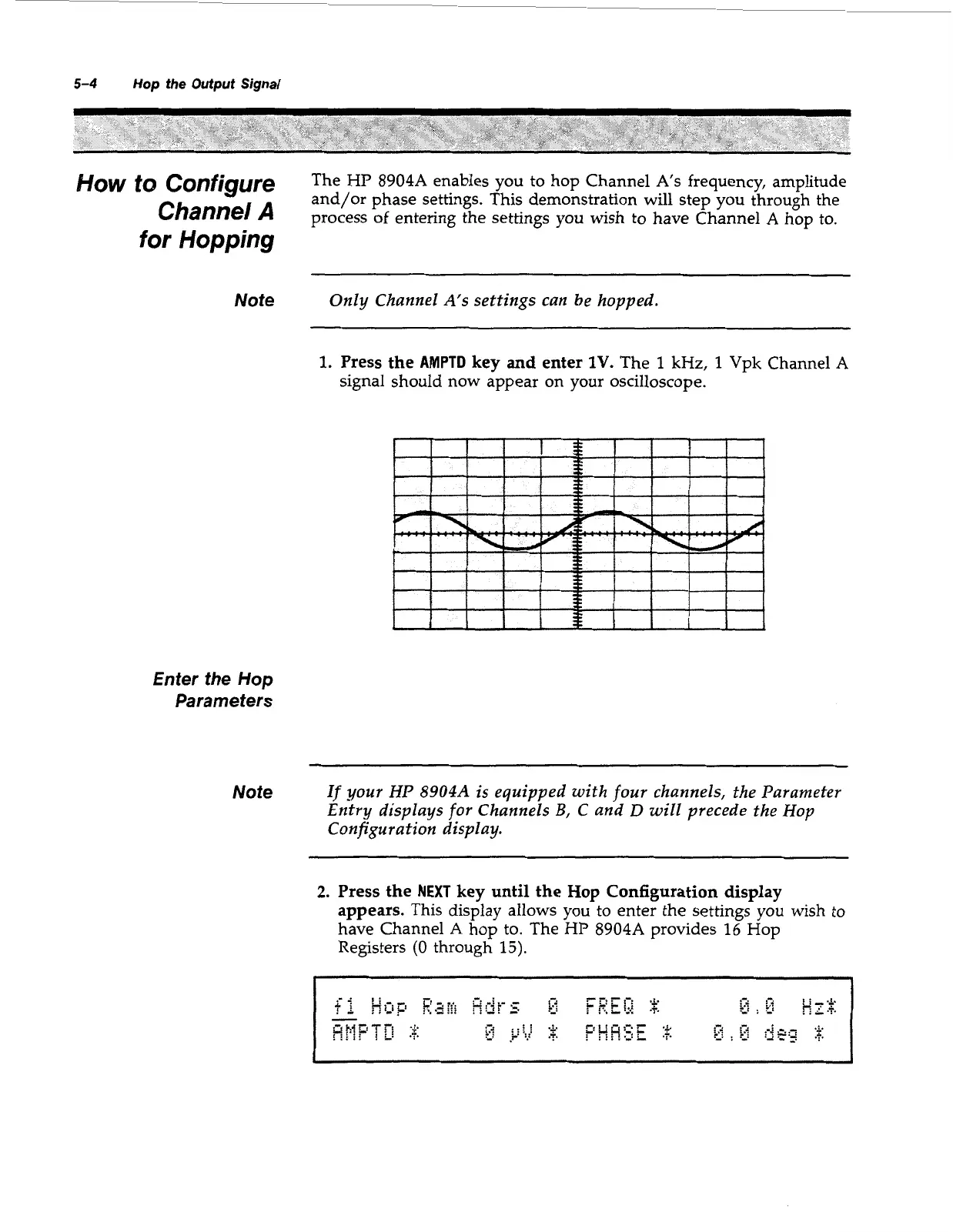
1.
Press the
AMPTD
key and enter
1V.
The
1
kHz,
1
Vpk Channel
A
signal should now appear on your oscilloscope.
Enter the
Hop
Parameters
Note
If
your
HP
8904A
is equipped with four channels, the Parameter
Entry displays
for
Channels
B,
C
and
D
will precede the Hop
Configuration display.
2.
Press the
NEXT
key until the Hop Configuration display
appears.
This display allows you
to
enter the settings
you
wish to
have Channel
A
hop to. The
HP
8904A
provides
16
Hop
Registers
(0
through
15).
Artisan Technology Group - Quality Instrumentation ... Guaranteed | (888) 88-SOURCE | www.artisantg.com



 To Next Page