Hop
the
Output
Signal
5-7
Select the
Hop
Registers
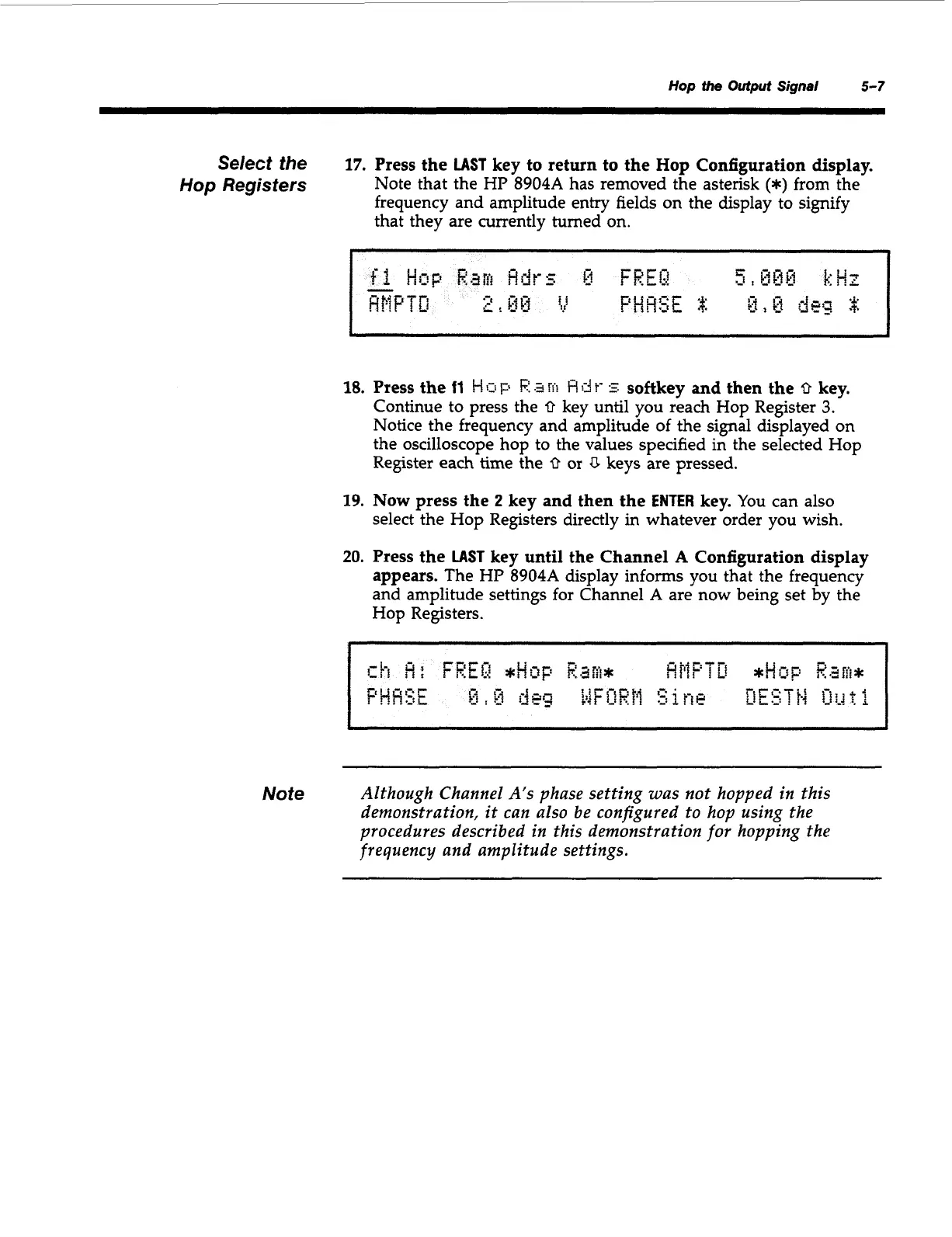
17.
Press the
LAST
key to return to the Hop Configuration display.
Note that the HP 8904A has removed the asterisk
(*)
from the
frequency and amplitude entry fields on the display to signify
that they are currently turned on.
18.
Press the
11
!-!
$11
p
!?
.3
w
F!
d
t-
5
softkey and then the
0
key.
Continue to press the
0
key until you reach Hop Register
3.
Notice the frequency and amplitude of the signal displayed on
the oscilloscope hop to the values specified in the selected Hop
Register each time the
0
or
U
keys are pressed.
19.
Now
press the
2
key and then the
ENTER
key.
You can also
select the Hop Registers directly in whatever order you wish.
20.
Press the
LAST
key until the Channel
A
Configuration display
appears.
The HP 8904A display informs you that the frequency
and amplitude settings for Channel
A
are now being set by the
Hop Registers.
Note
Although Channel A's phase setting was not hopped in this
demonstration, it can also be configured to hop using the
procedures described in this demonstration
for
hopping the
frequency and amplitude settings.
Artisan Technology Group - Quality Instrumentation ... Guaranteed | (888) 88-SOURCE | www.artisantg.com



 To Next Page