1-14
Meet
the
HP
8904A
4.
Now
press the
FREQ
key and enter
20
kHz.
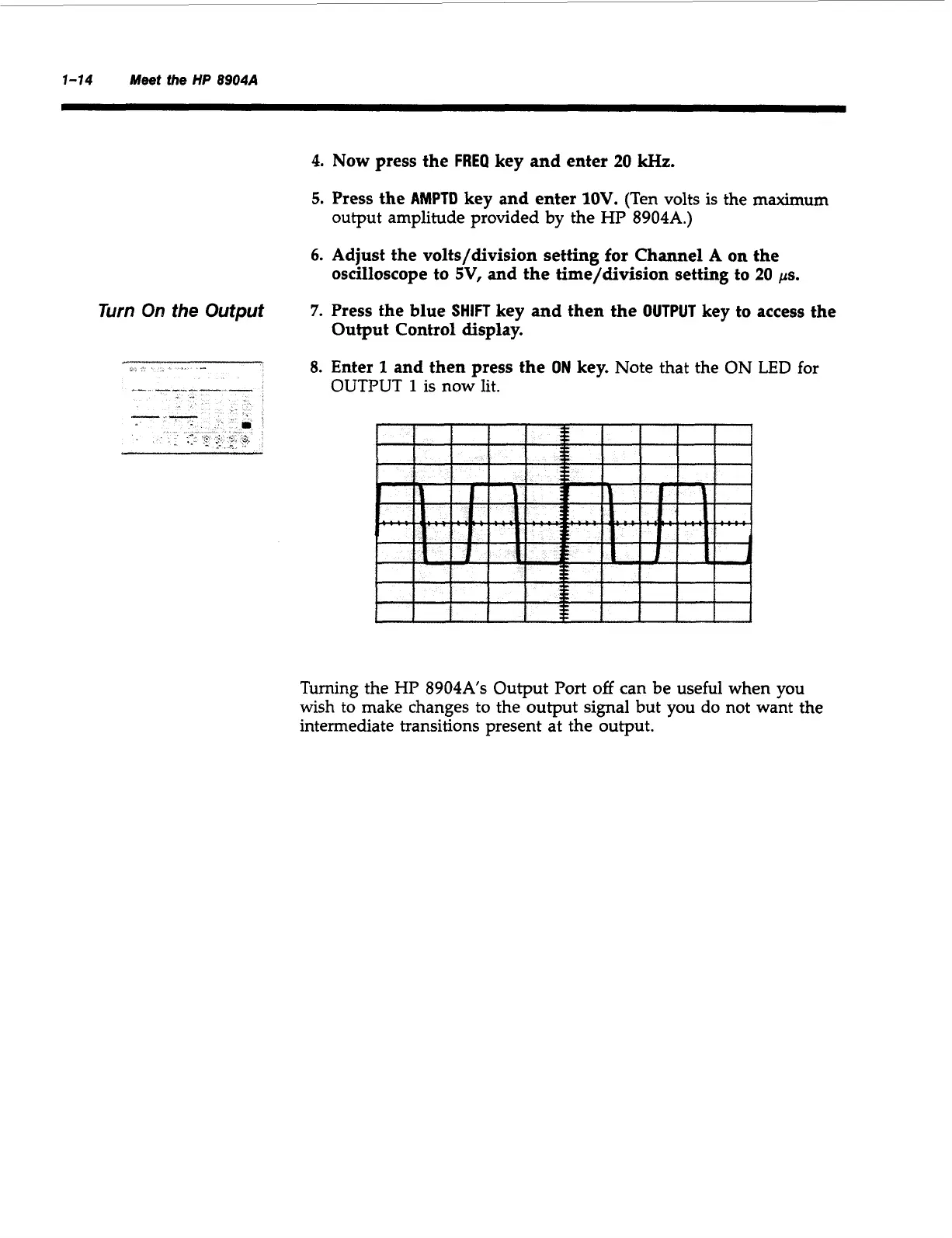
5.
Press the
AMPTD
key and enter
1OV.
(Ten volts is the maximum
output amplitude provided by the HP
8904A.)
6.
Adjust the volts/division setting
for
Channel A
on
the
7.
Press the blue
SHIFT
key and then the
OUTPUT
key to access the
oscilloscope to
SV,
and the time/division setting to
20
ps.
Output Control display.
Turn
On
the
Output
8.
Enter
1
and then press the
ON
key.
Note that the
ON
LED
for
OUTPUT
1
is now lit.
Turning the HP
8904A’s
Output Port
off
can be useful when you
wish to make changes to the output signal but you do not want the
intermediate transitions present at the output.
Artisan Technology Group - Quality Instrumentation ... Guaranteed | (888) 88-SOURCE | www.artisantg.com



 To Next Page