7.
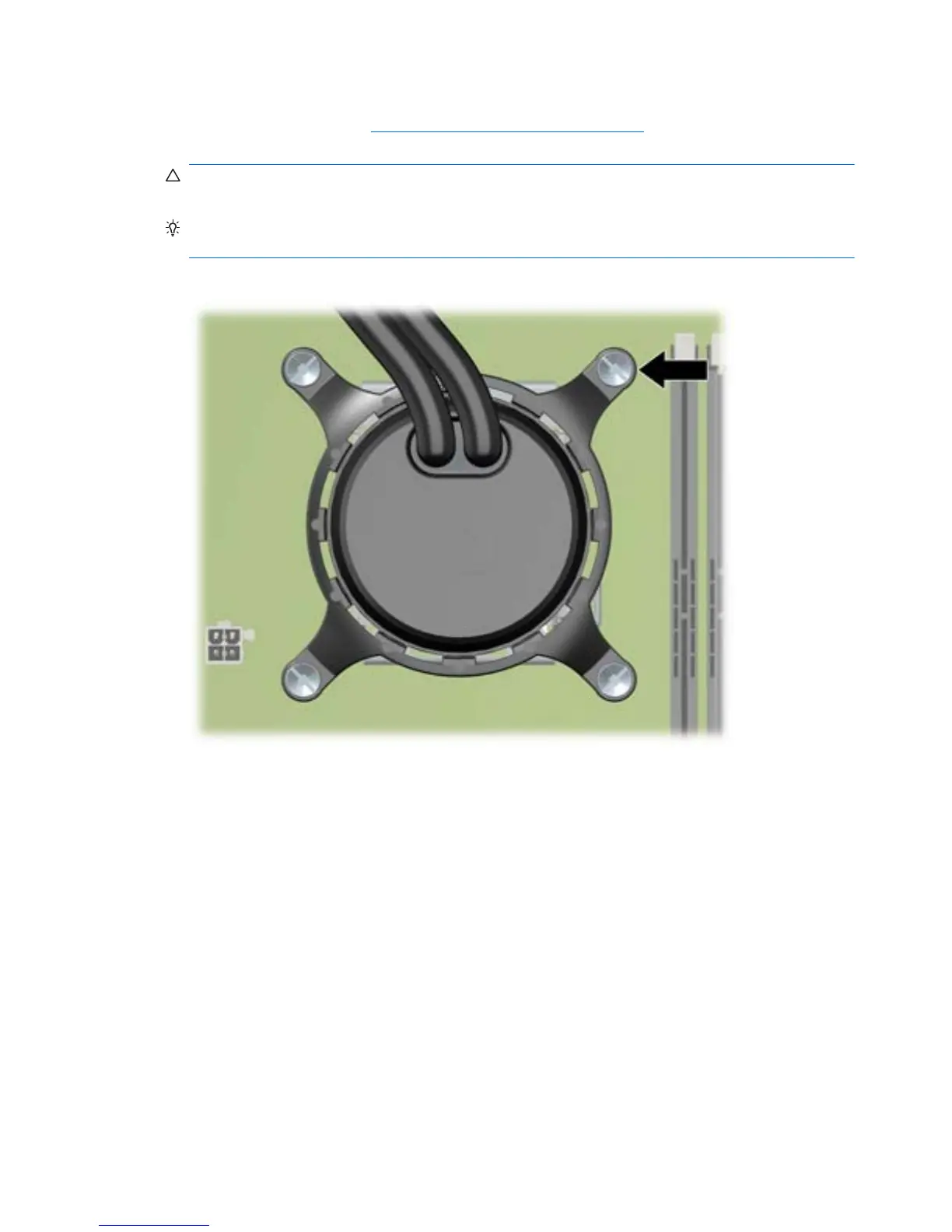
Set the cold plate retention ring on the CPU heatsink mounting base, and then slightly tighten a
single retention screw (see
Installing the CPU heatsink on page 154) as shown in the following
figure.
CAUTION: Do not scratch the system board while maneuvering the cold plate assembly or you
might damage components.
TIP: Tighten the retention ring screw only one or two turns to keep its corner in place while
allowing the rest of the ring to move.
Figure 5-68 The retention screw
142 Chapter 5 Replacing components ENWW









 To Next Page