EasyManua.ls Logo

HP Kayak XU - User Manual

HP Kayak XU
149 pages
Print Icon
To Next Page IconTo Next Page
Loading...
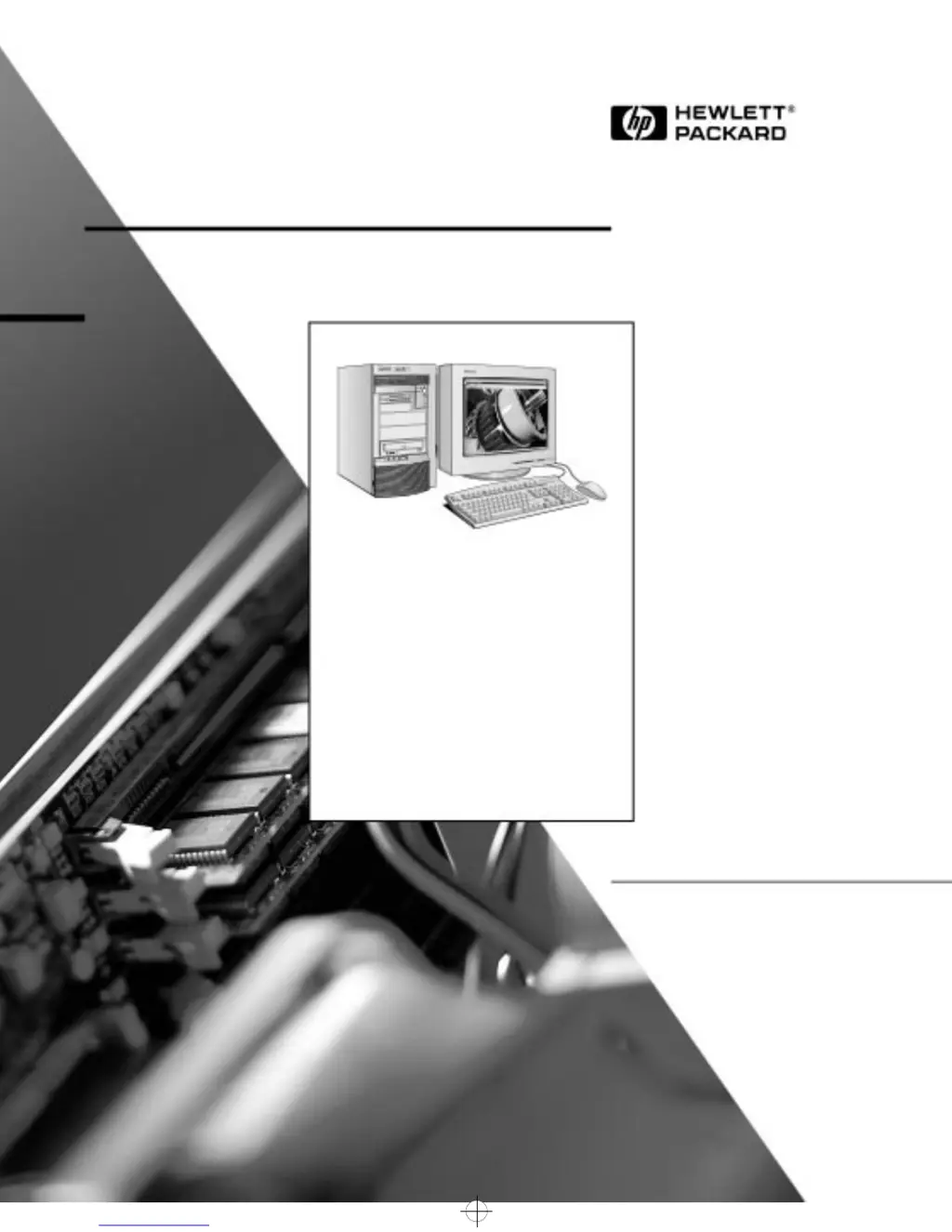
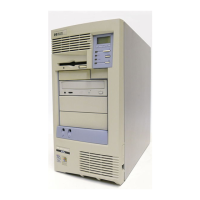
HP Kayak XU
PC Workstation
User’s Guide
napa.bk : cover.fb4 Page 1 Monday, August 4, 1997 7:20 PM

Table of Contents

Other manuals for HP Kayak XU

Questions and Answers

Summary

Setting Up and Using Your PC Workstation

Unpacking Your PC Workstation

Instructions for unpacking the computer and its components.

Connecting the Mouse, Keyboard, Display and Printer

Guide to connecting essential peripherals to the PC workstation.

Connecting the Power Cords

How to connect the PC workstation and display to power outlets.

Starting and Stopping Your PC Workstation

Procedures for powering the PC workstation on and off.

How to Install Accessories Inside Your PC Workstation

Installing Memory

Detailed steps for installing DIMM memory modules.

Installing More Memory on the Video Adapter

Guide to adding more video memory to the graphics adapter.

Installing Mass Storage Devices

How to install additional hard drives, CD-ROMs, or floppy drives.

Installing a Hard Disk Drive in an Internal Shelf

Procedure for installing a hard disk drive in an internal bay.

Installing a Hard Disk Drive in a Front-Access Shelf

Procedure for installing a hard disk drive in a front-access bay.

Installing Accessory Boards

Steps for installing expansion cards like PCI or ISA boards.

Installing a Processor

Instructions for installing or replacing the computer's processor.

Troubleshooting Your PC Workstation

If Your PC Workstation Does Not Start Properly

Steps to diagnose issues when the PC fails to start.

If Your PC Workstation Has a Hardware Problem

Troubleshooting steps for issues with display, drives, keyboard, or mouse.

If Your PC Workstation Has a Software Problem

Guidance for resolving issues related to software operation.

If You Have Forgotten Your Password

Procedures for recovering or resetting forgotten user passwords.

Technical Information

System Specifications

Detailed technical specifications including power and loads.

The HP Summary Screen and Setup Program

How to use the system summary and setup utilities for configuration.

Configuring Your Network Connection

Steps to configure the integrated network interface settings.

Hewlett Packard Support and Information Services

HP Kayak XU Specifications

General IconGeneral
Memory TypeSDRAM
CPUIntel Pentium II
GraphicsAGP graphics card
Operating SystemWindows NT 4.0
Expansion Slots1 ISA
PortsUSB, Serial, Parallel

Related product manuals