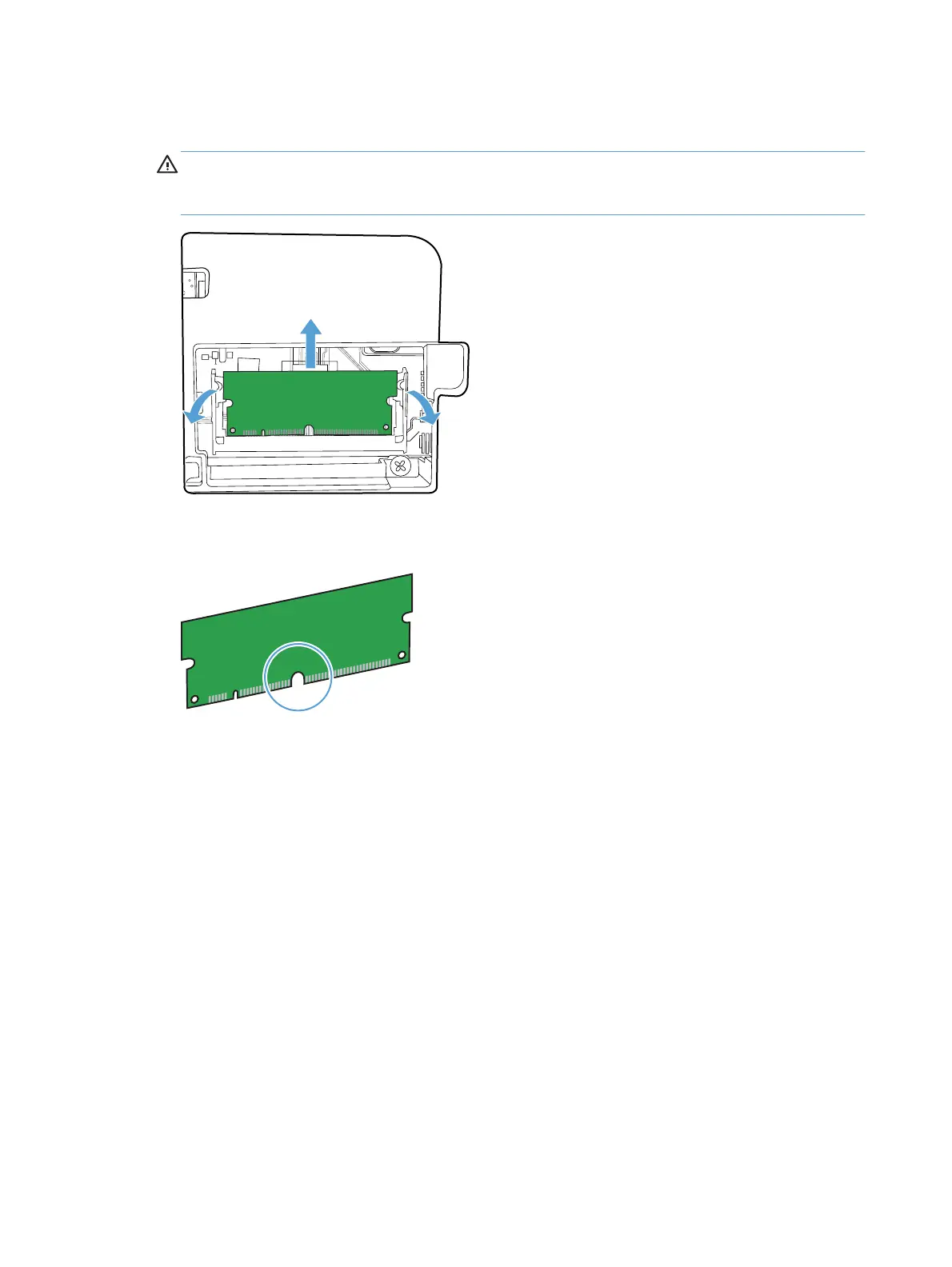
4. To replace a DIMM that is currently installed, spread the latches apart on each side of the DIMM
slot, lift the DIMM up at an angle, and pull it out.
CAUTION: Static electricity can damage electronic parts. When handling electronic parts,
either wear an antistatic wrist strap, or frequently touch the surface of the antistatic package and
then touch bare metal on the product.
5. Remove the new DIMM from the antistatic package, and then locate the alignment notch on the
bottom edge of the DIMM.
86 Chapter 8 Manage and maintain ENWW



 To Next Page