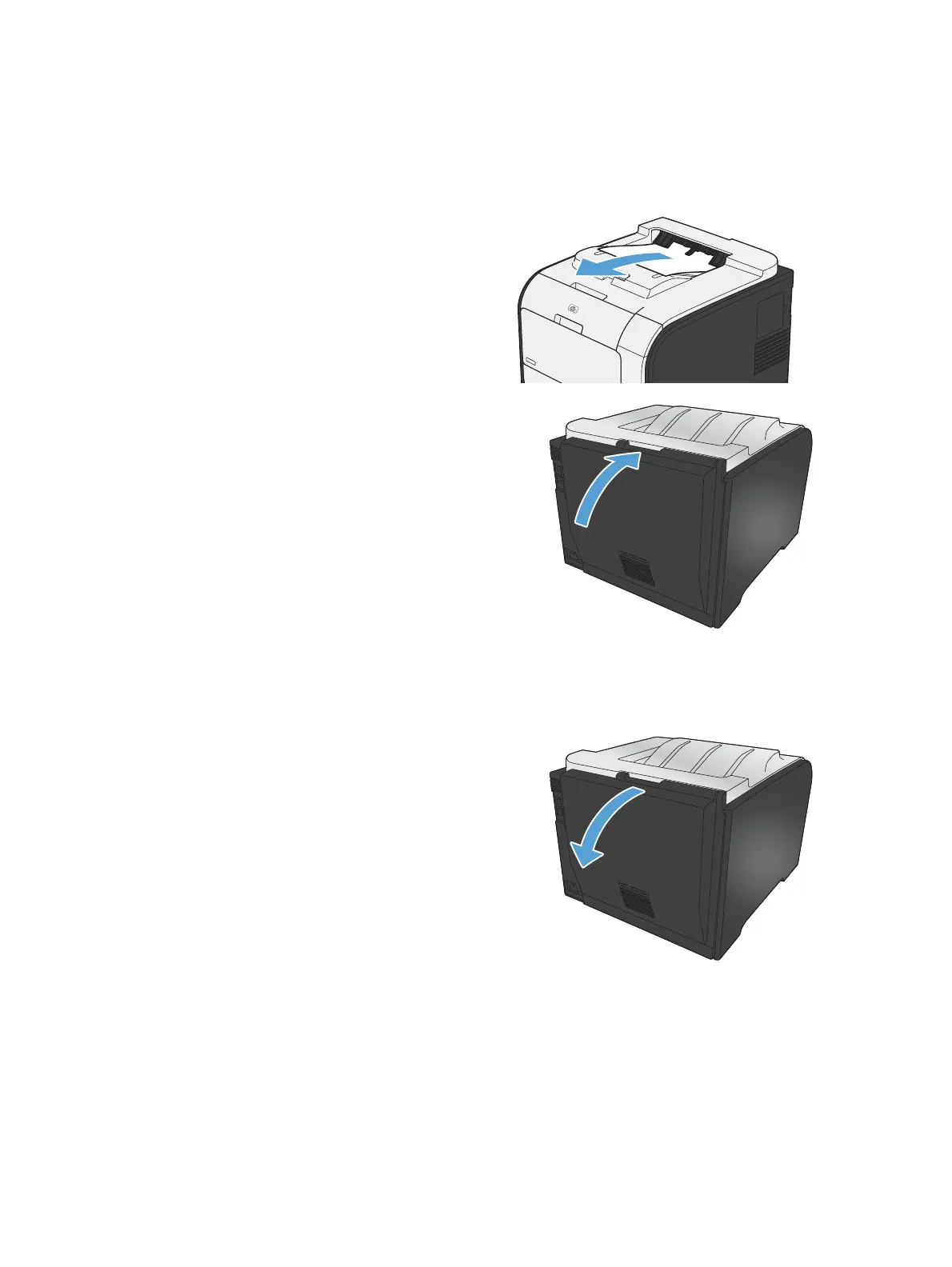
Clear jams in the output bin
1. Look for jammed paper in the output bin area.
2. Remove any visible media.
NOTE: If the sheet tears, make sure that all
fragments are removed before resuming
printing.
3. Open and then close the rear door to clear the
message.
Clear jams in the duplexer (duplexing models only)
1. Open the rear door.
CAUTION: The fuser, located in the back of
the product, is hot. Wait for the fuser to cool
before continuing.
ENWW
Paper feeds incorrectly or becomes jammed
117



 To Next Page