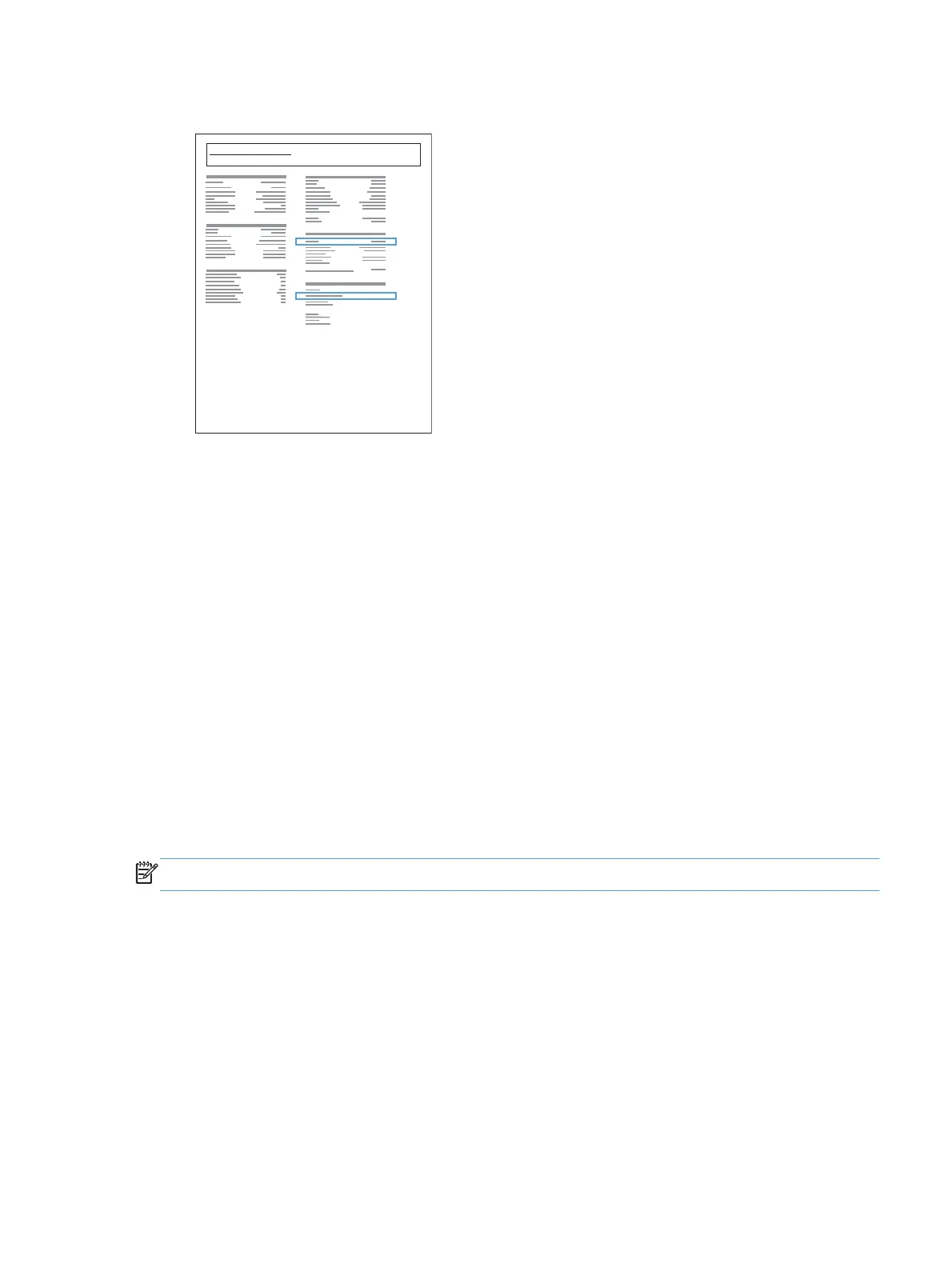
6. Find the IP address on the Self Test/Configuration page.
Jetdirect Page
HP Color LaserJet
Page 1
Install the software
1. Quit all programs on the computer.
2. Install the software from the CD.
3. Follow the onscreen instructions.
4. When prompted, select the Connect through a wired network option, and then click the
Next button.
5. From the list of available printers, select the printer that has the correct IP address.
6. Click the Finish button.
7. On the More Options screen, you can install more software, or click the Finish button.
8. Print a page from any program to make sure that the printing software is correctly installed.
Install the product on a wireless network (wireless models only)
NOTE: Use this procedure if you are not using the HP Smart Install.
Before installing the product software, make sure the product is not connected to the network using a
network cable.
If your wireless router does not support Wi-Fi Protected Setup (WPS), obtain the wireless router network
settings from your system administrator, or complete the following tasks:
●
Obtain the wireless network name or service set identifier (SSID).
●
Determine the security password or encryption key for the wireless network.
ENWW
Connect to a network
21



 To Next Page