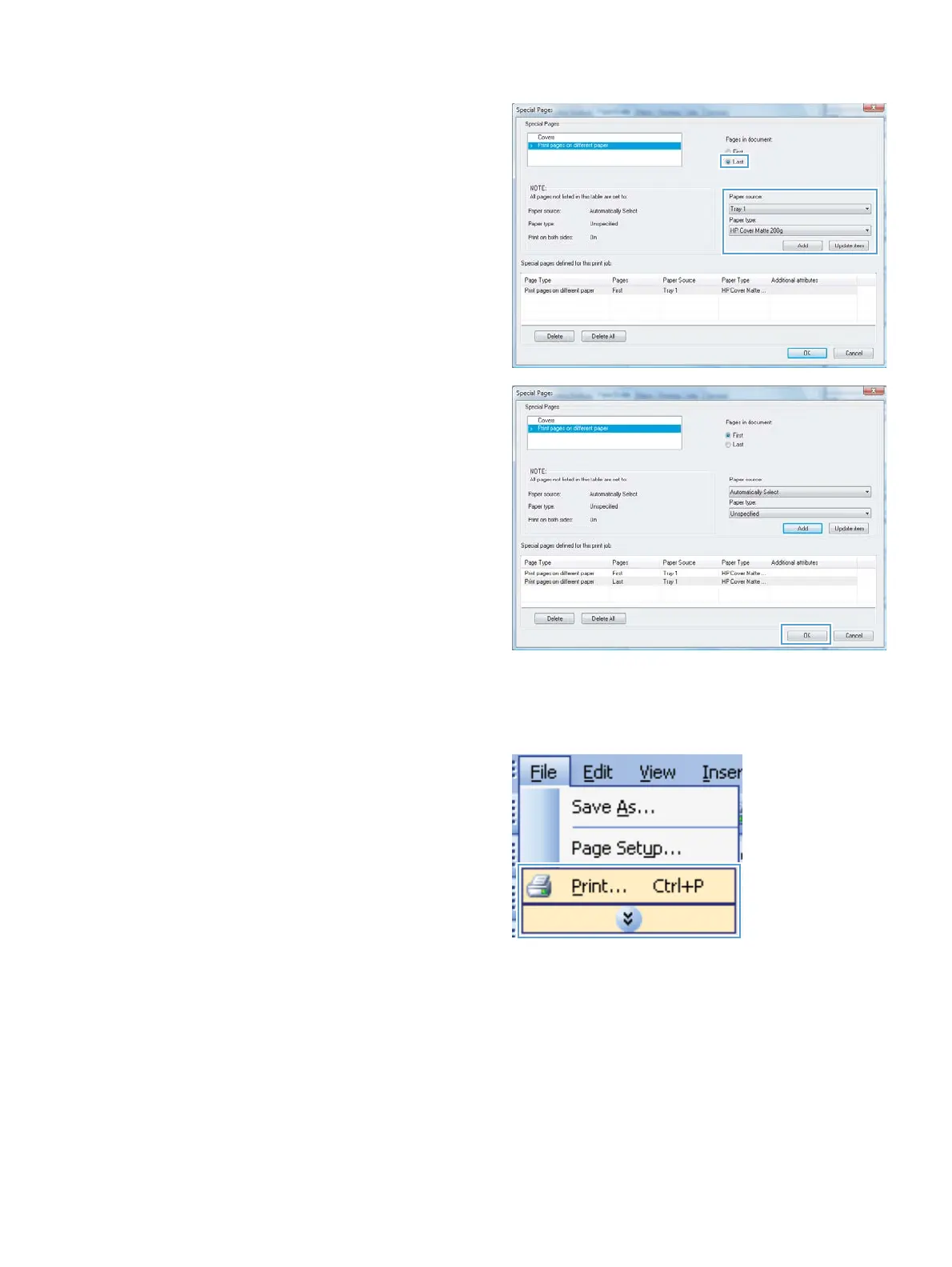
7. If you are printing both the first and last pages
on different paper, repeat steps 5 and 6,
selecting the options for the other page.
8. Click the OK button.
Create a booklet with Windows
1. On the File menu in the software program,
click Print.
ENWW
Additional print tasks with Windows
71



 To Next Page