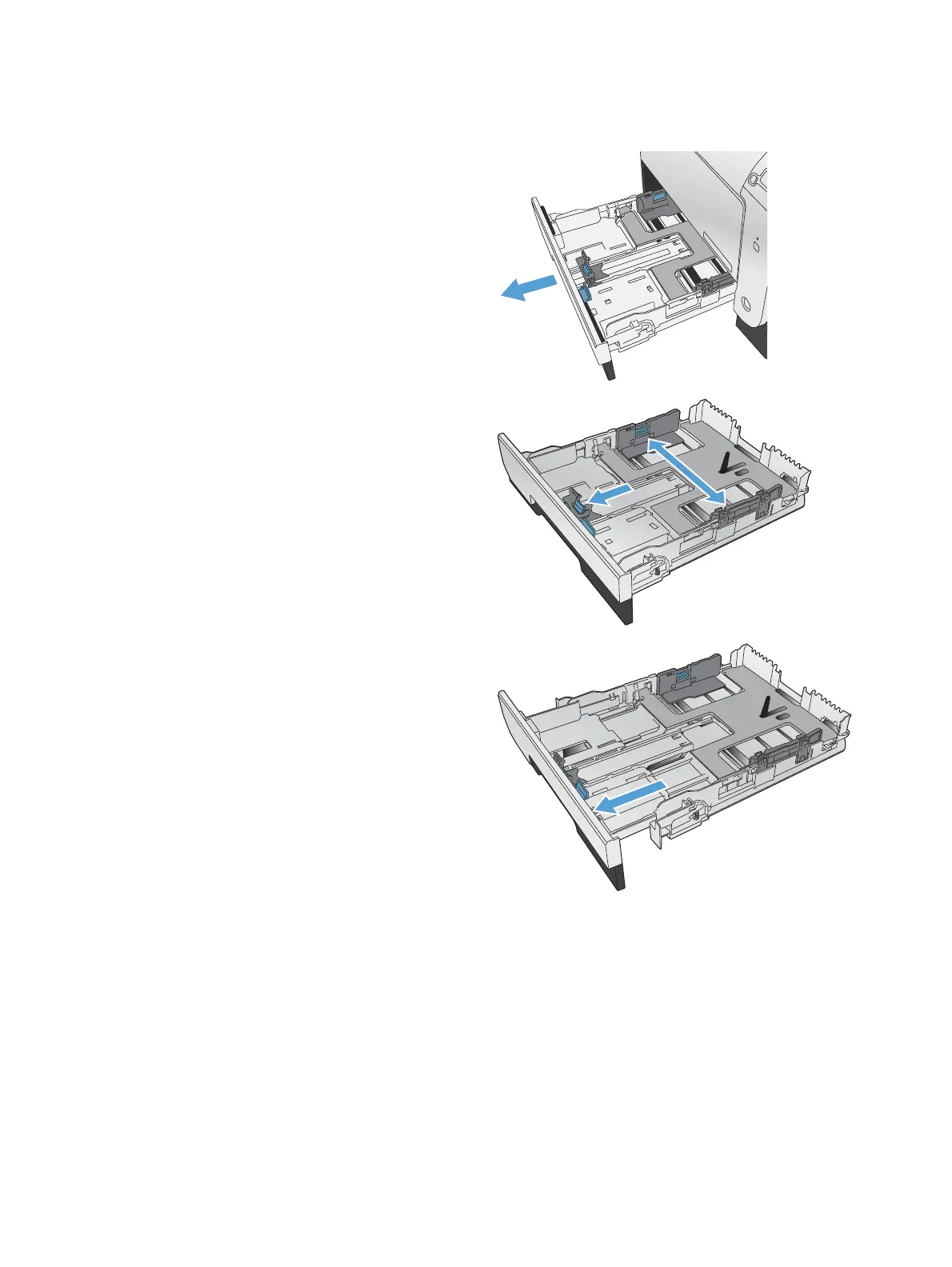
Load Tray 2 or optional Tray 3
1. Pull the tray out of the product.
2. Slide open the paper length and width guides.
3. To load Legal-size paper, extend the tray by
pressing and holding the extension tab while
pulling the front of the tray toward you.
NOTE: When it is loaded with Legal-size
paper, the tray extends from the front of the
product approximately 64 mm (2.5 inches).
36 Chapter 4 Paper and print media ENWW



 To Next Page