EasyManua.ls Logo

HP M351 - Print the first or last page on different paper with Windows

HP M351
170 pages
Print Icon
To Next Page IconTo Next Page
To Previous Page IconTo Previous Page
Loading...
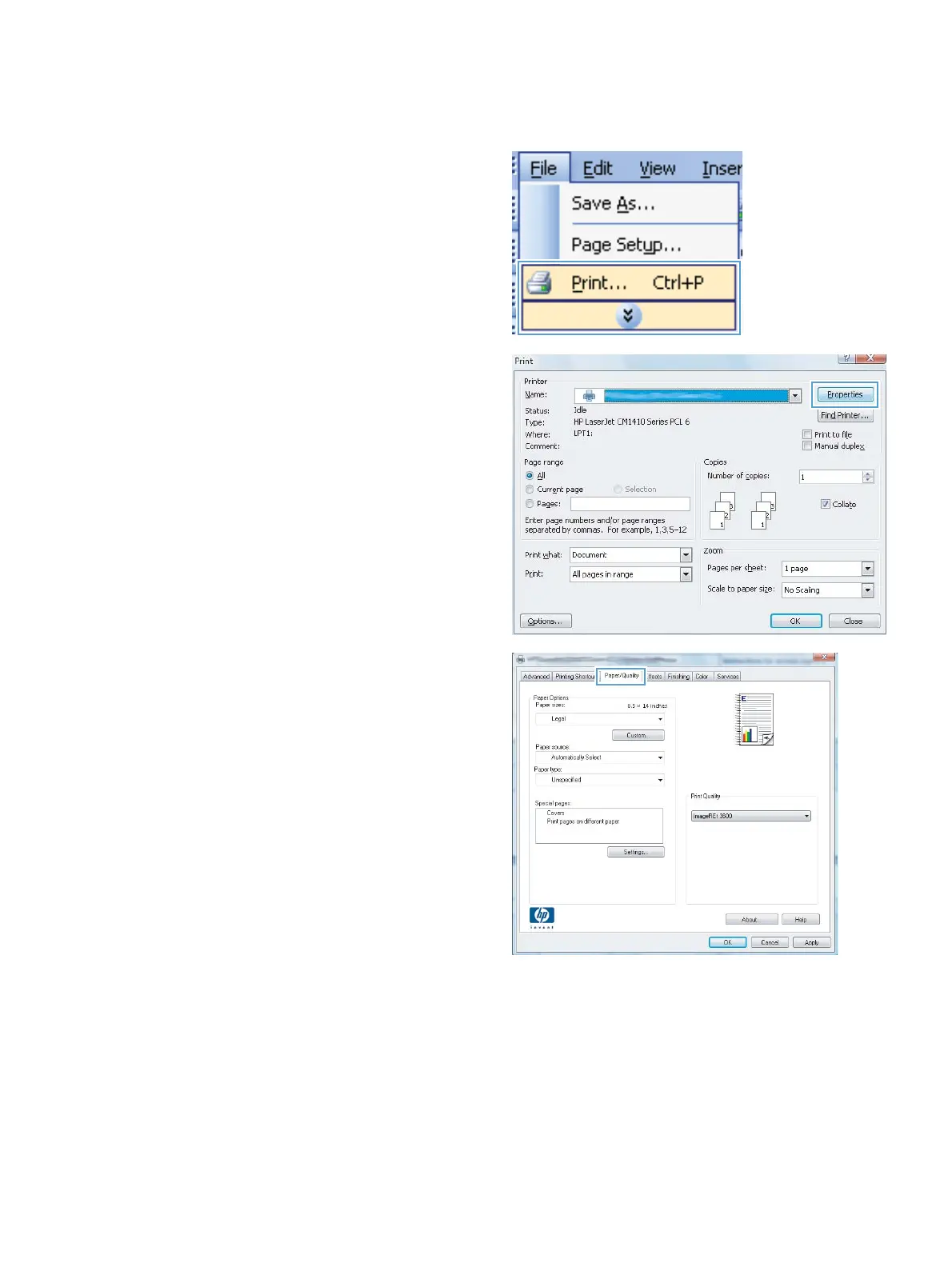
Print the first or last page on different paper with Windows
1. On the File menu in the software program,
click Print.
2. Select the product, and then click the
Properties or Preferences button.
3. Click the Paper/Quality tab.
ENWW
Additional print tasks with Windows
69


Table of Contents

Other manuals for HP M351

Related product manuals