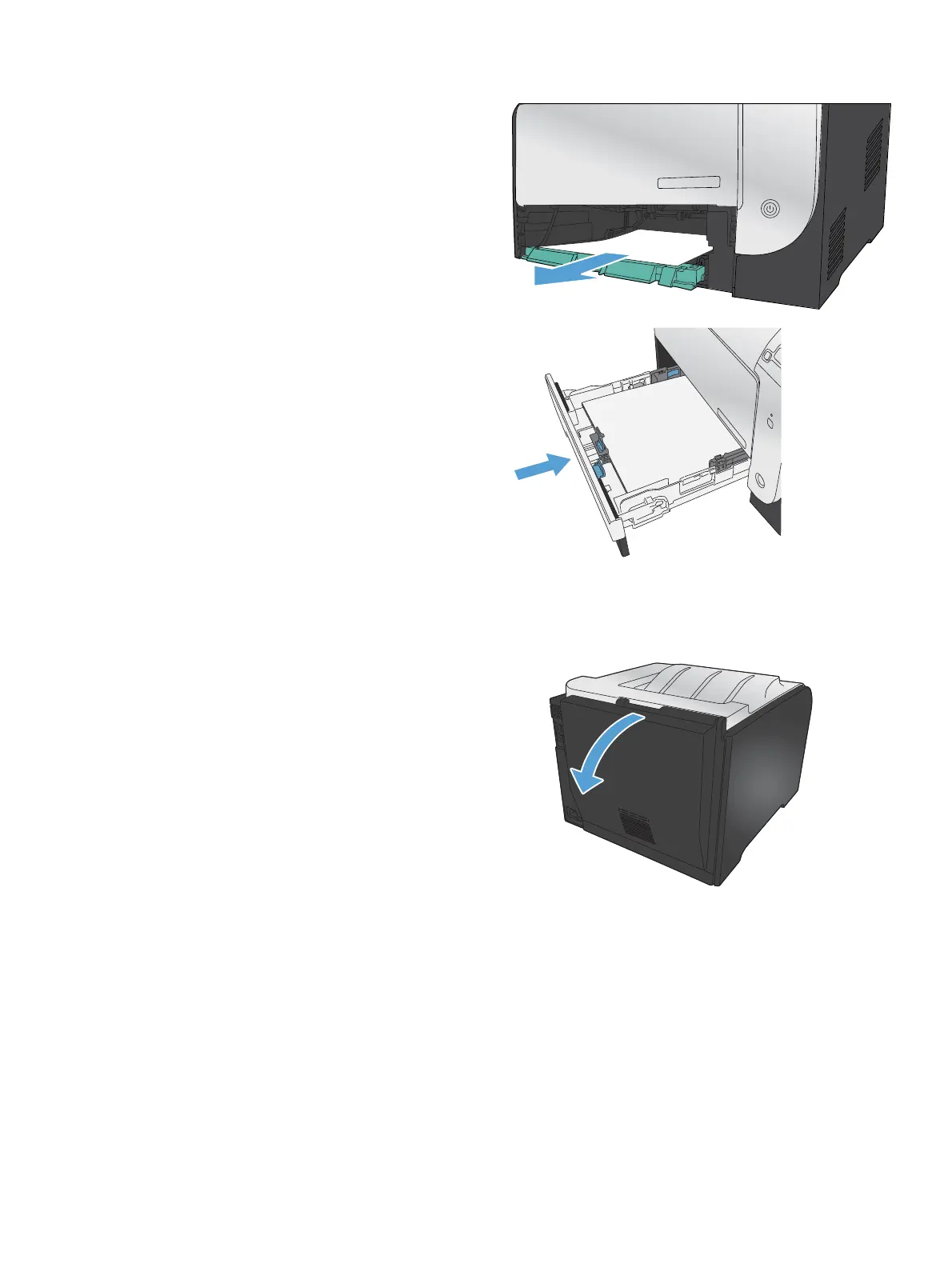
3. Remove the jammed sheet by pulling it straight
out.
4. Push the jam-access tray up to close it, and
then replace Tray 2.
NOTE: To close the tray, push in the middle
or with even pressure on both sides. Avoid
pushing on one side only.
Clear jams in the fuser area
1. Open the rear door.
CAUTION: The fuser, located in the back of
the product, is hot. Wait for the fuser to cool
before continuing.
ENWW
Paper feeds incorrectly or becomes jammed
115



 To Next Page