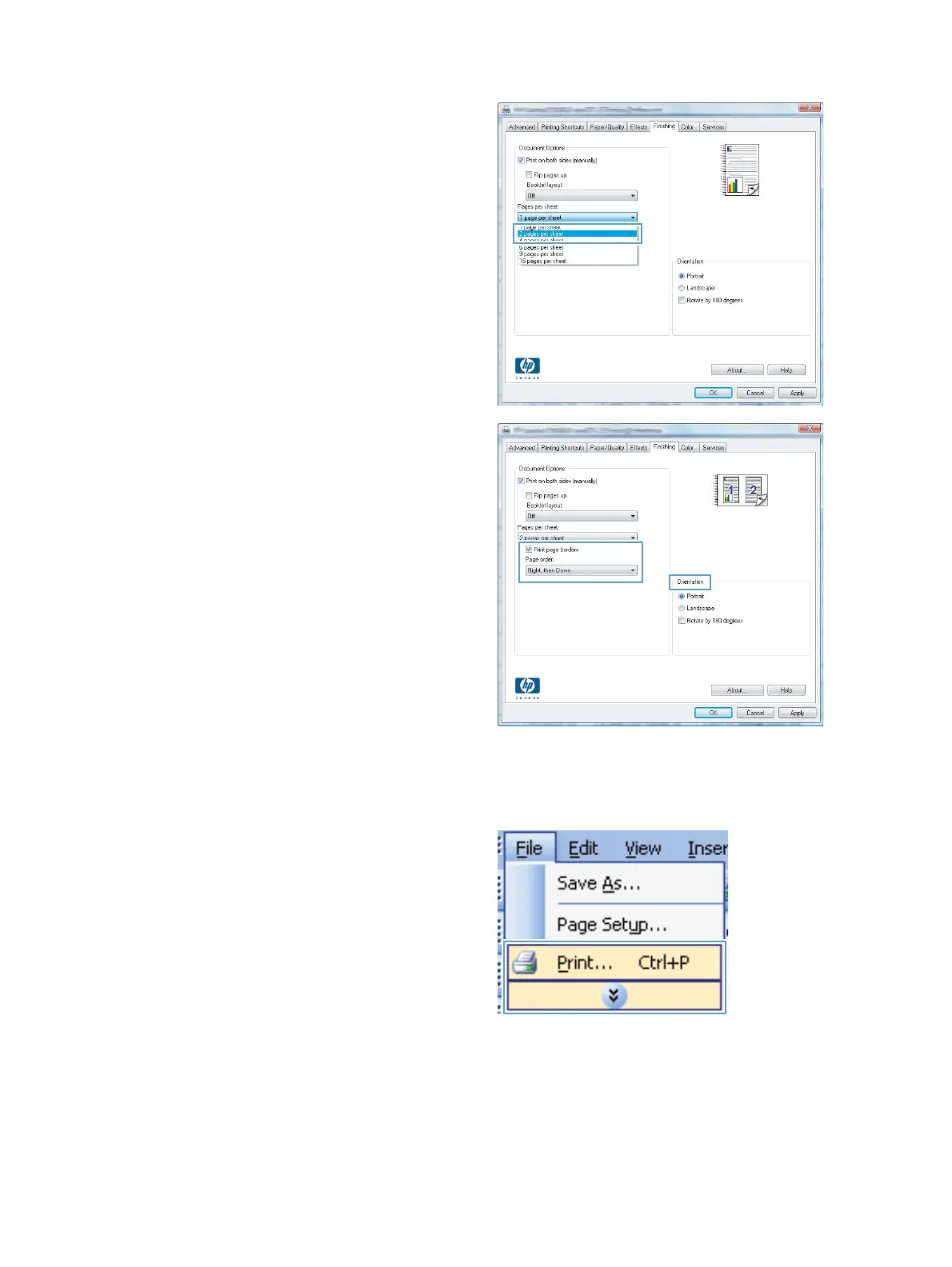
4. Select the number of pages per sheet from the
Pages per sheet drop-down list.
5. Select the correct Print page borders,
Page order, and Orientation options.
Select page orientation with Windows
1. On the File menu in the software program,
click Print.
62 Chapter 6 Print tasks ENWW



 To Next Page