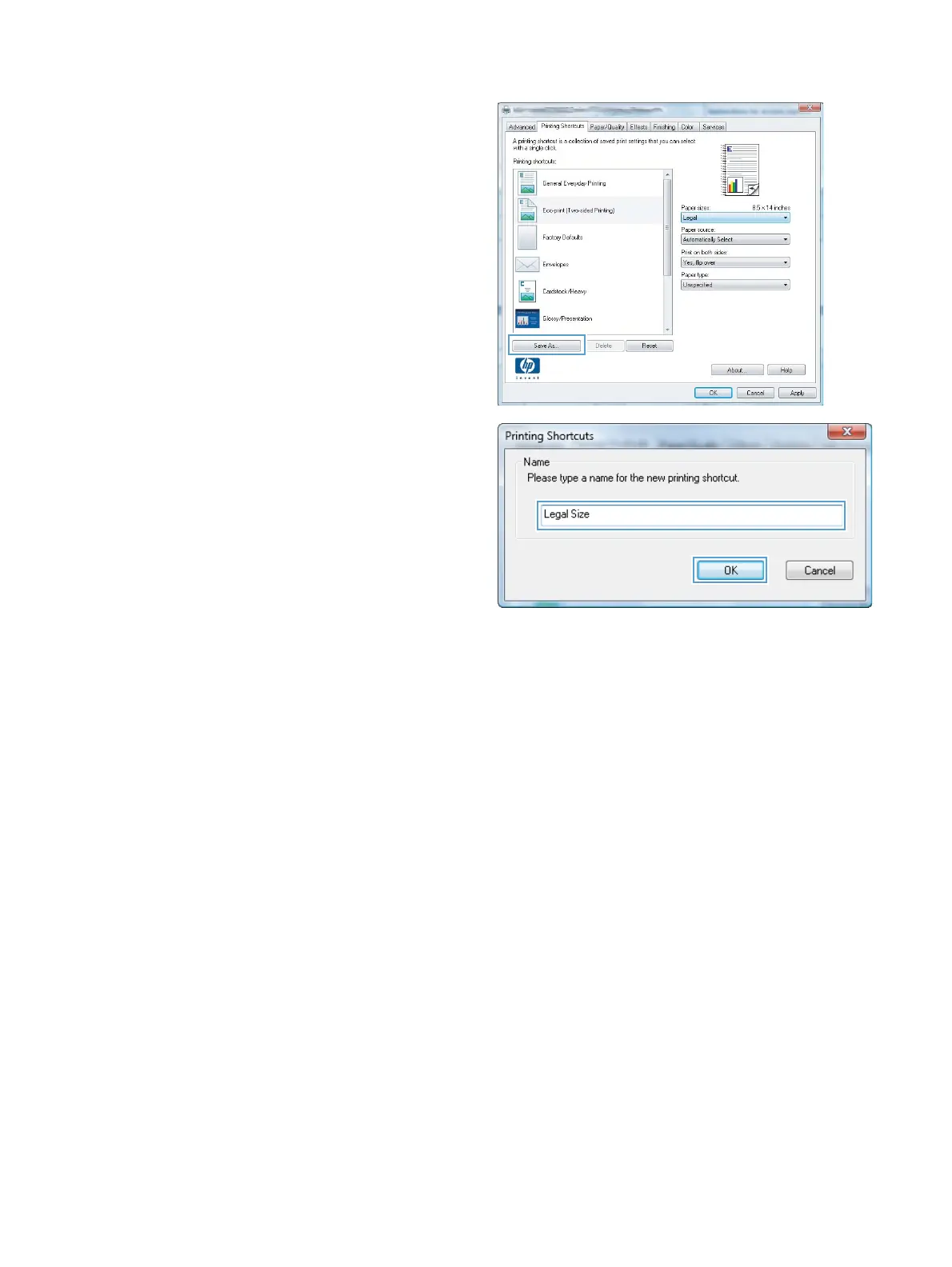
6. Click the Save As button.
7. Type a name for the shortcut, and click the OK
button.
Improve print quality with Windows
Select the page size with Windows
1. On the File menu in the software program, click Print.
2. Select the product, and then click the Properties or Preferences button.
3. Click the Paper/Quality tab.
4. Select a size from the Paper size drop-down list.
Select a custom page size with Windows
1. On the File menu in the software program, click Print.
2. Select the product, and then click the Properties or Preferences button.
3. Click the Paper/Quality tab.
4. Click the Custom button.
56 Chapter 6 Print tasks ENWW



 To Next Page