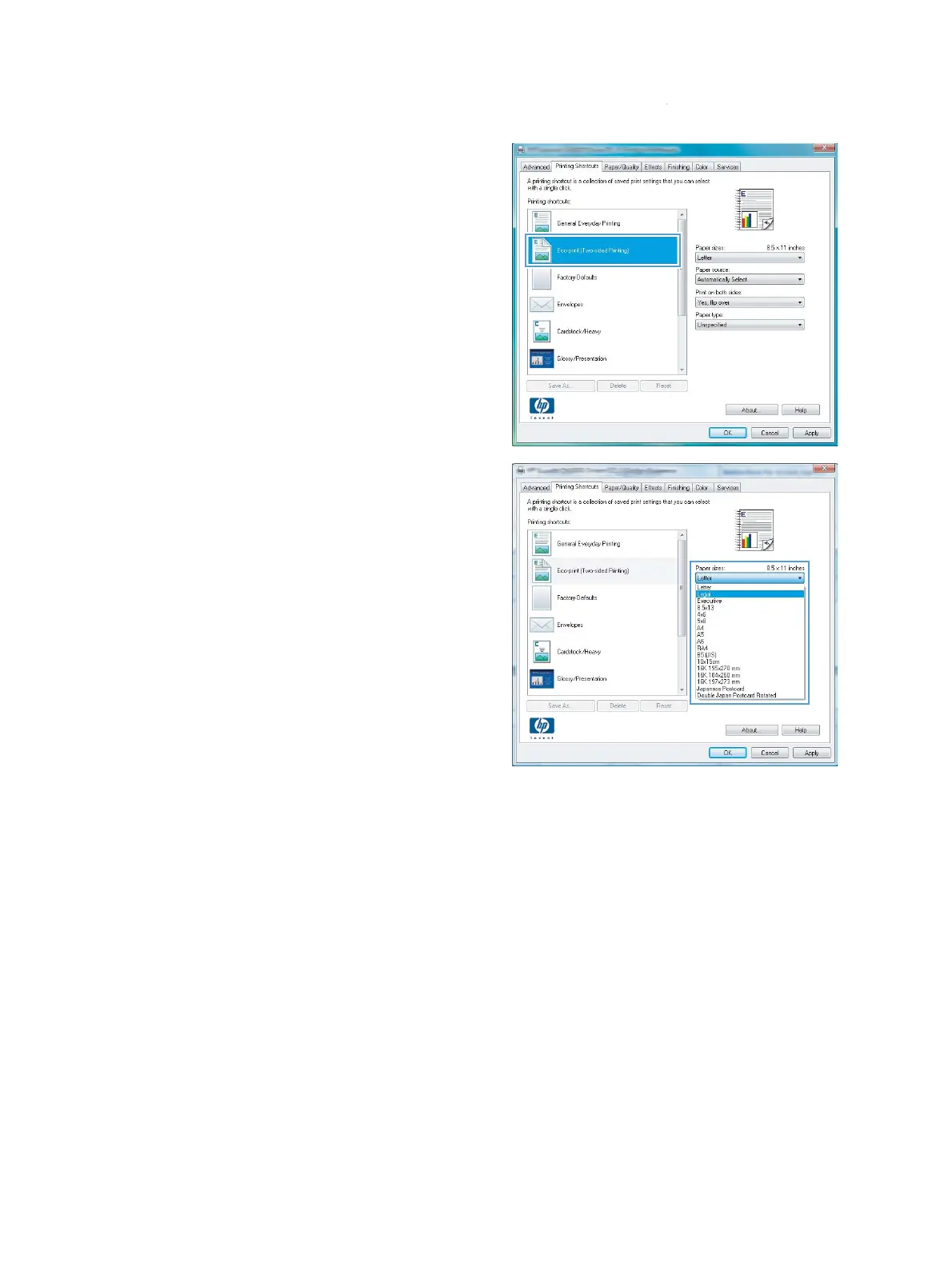
4. Select an existing shortcut as a base.
NOTE: Always select a shortcut before
adjusting any of the settings on the right side
of the screen. If you adjust the settings and
then select a shortcut, or if you select a
different shortcut, all your adjustments are lost.
5. Select the print options for the new shortcut.
ENWW
Basic print tasks with Windows
55



 To Next Page