4. Make sure the tray is not overfilled. If it is, remove the entire stack of paper from the tray,
straighten the stack, and then return some of the paper to the tray.
5. Make sure the paper guides in the tray are adjusted correctly for the size of paper. Adjust the
guides so they are touching the paper stack without bending it.
6. Make sure that the tray is fully inserted in the product.
7. If you are printing on heavy, embossed, or perforated paper, use the manual feed feature and
feed sheets one at a time.
Clear jams
Jam locations
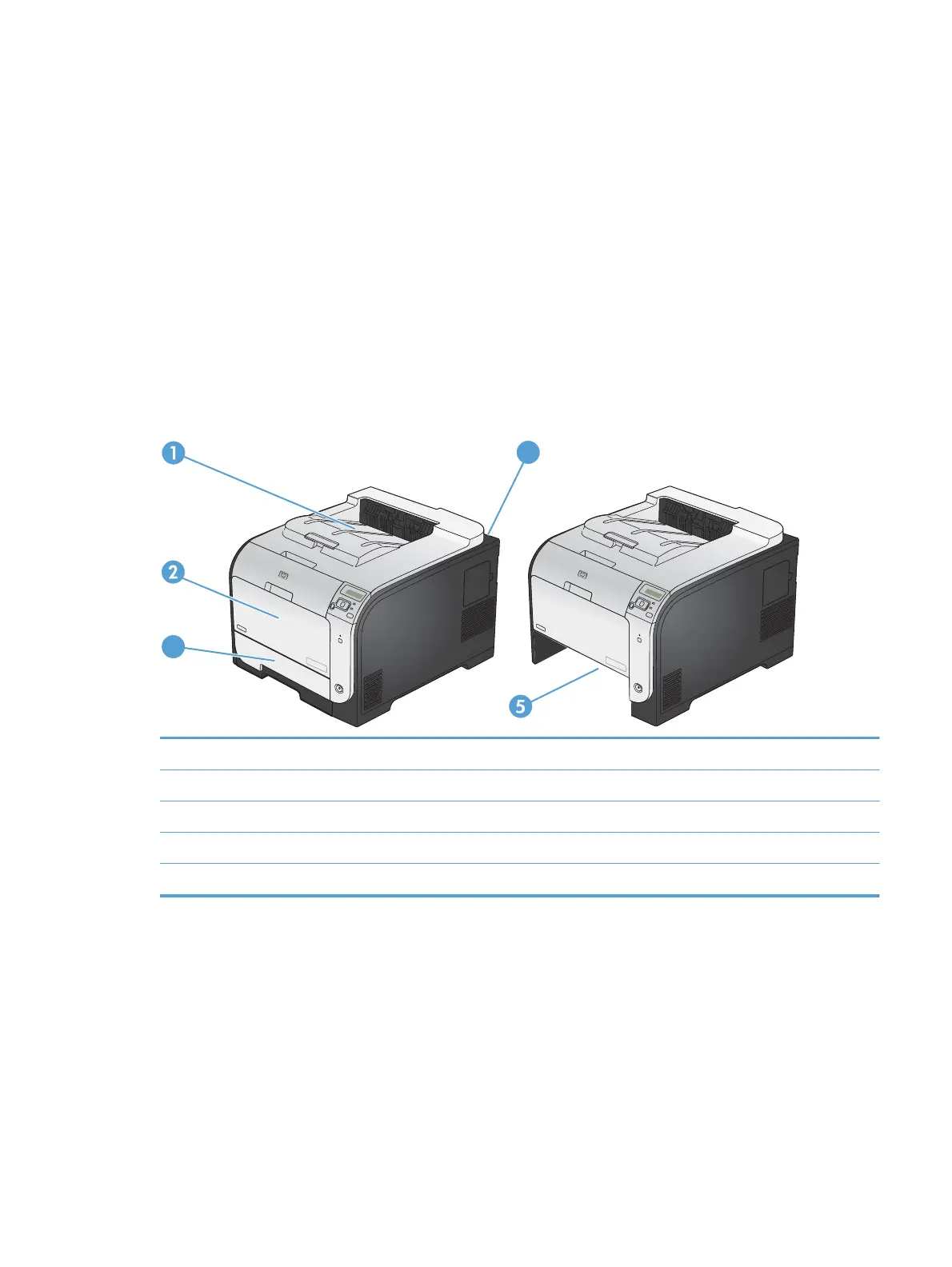
Use this illustration to find the locations of jams.
3
4
1 Output bin
2Tray 1
3Tray 2
4Fuser
5 Tray 2 jam-access area
ENWW
Paper feeds incorrectly or becomes jammed
113



 To Next Page