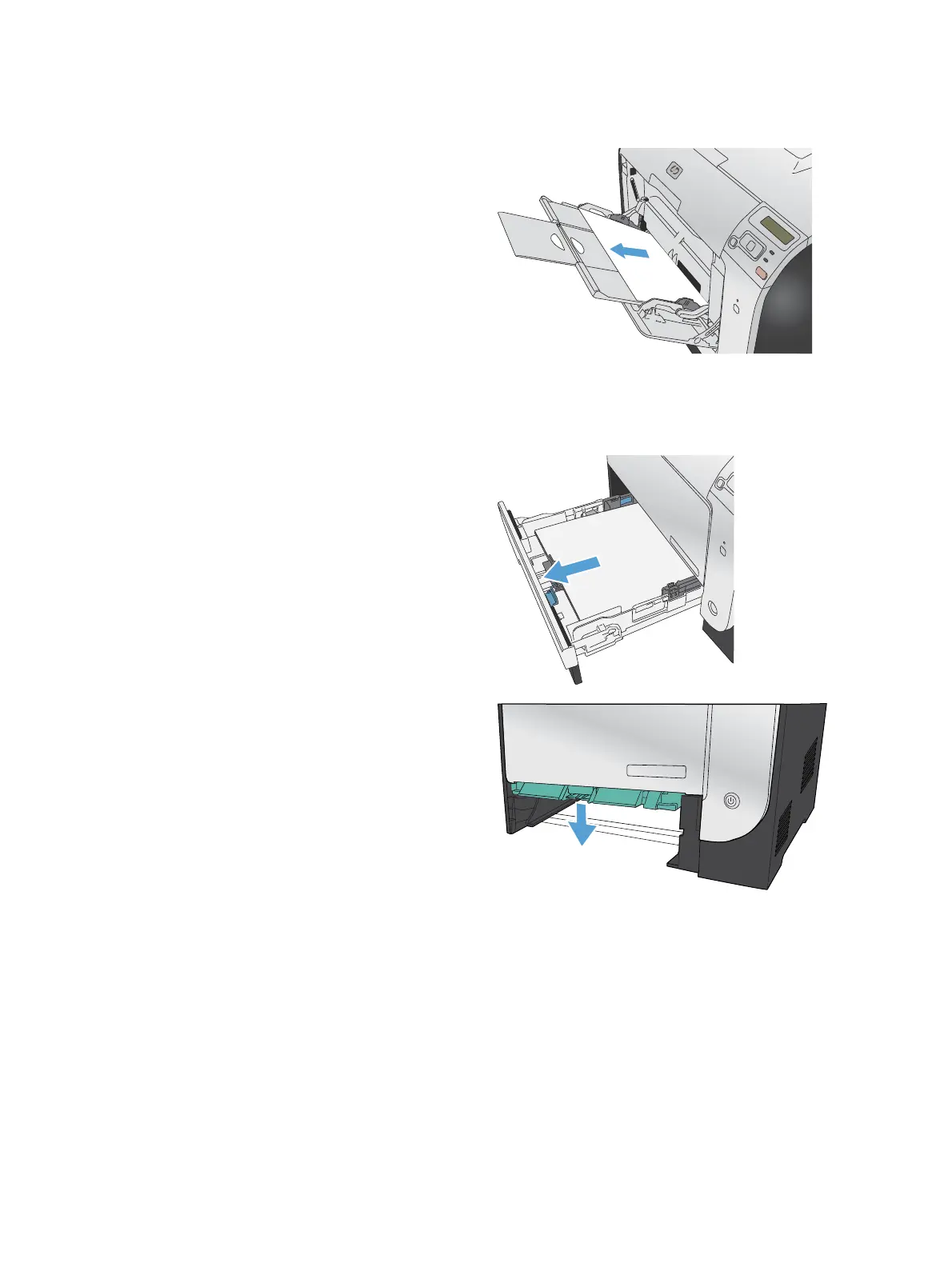
Clear jams in Tray 1
1. Pull the jammed sheet from Tray 1.
NOTE: If the sheet tears, make sure that all
of the fragments are removed before you
resume printing.
Clear jams in Tray 2
1. Pull out Tray 2 and place it on a flat surface.
2. Lower the jam-access tray.
114 Chapter 9 Solve problems ENWW



 To Next Page