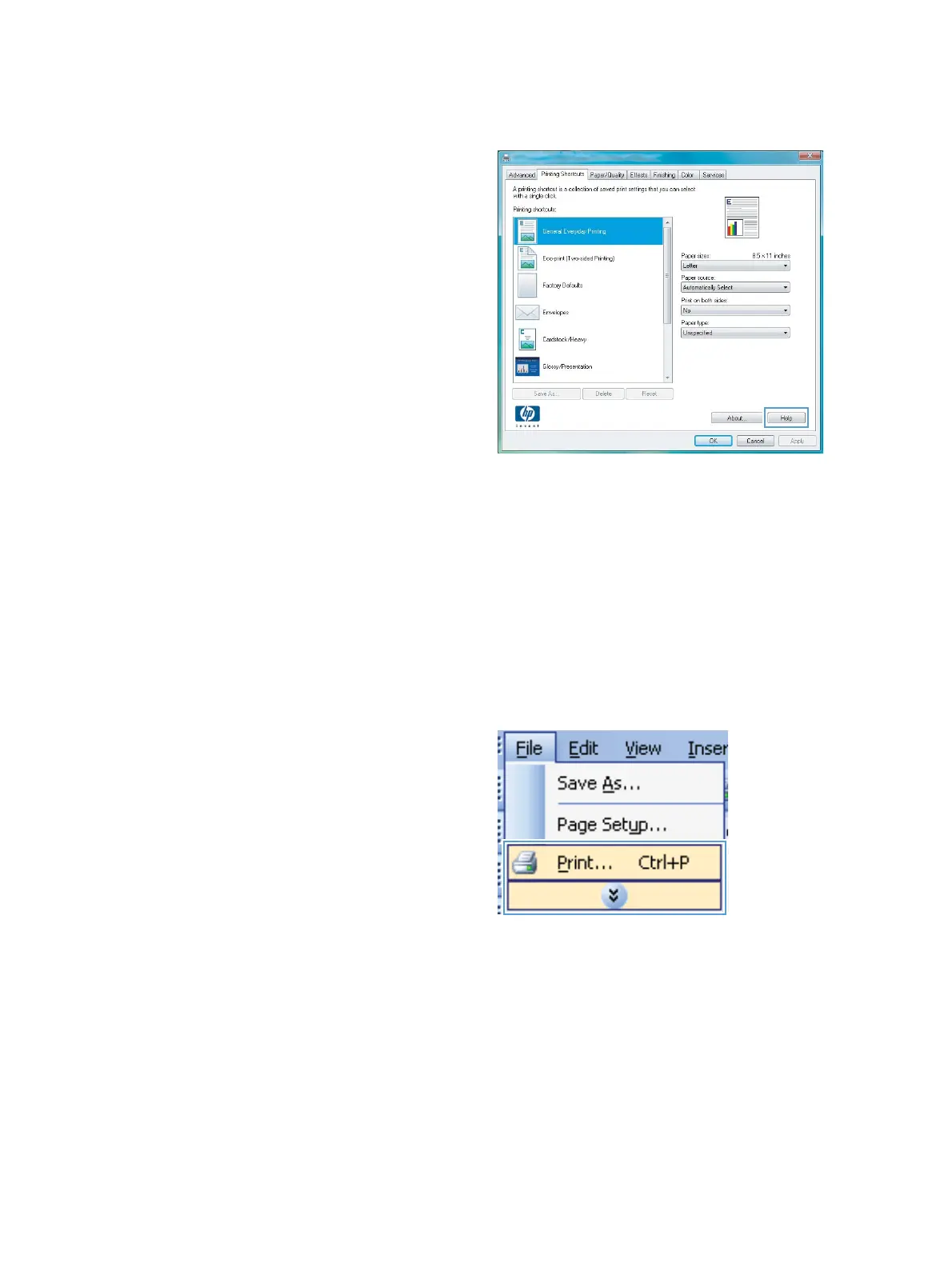
Get help for any printing option with Windows
1. Click the Help button to open the online Help.
Change the number of print copies with Windows
1. On the File menu in the software program, click Print.
2. Select the product, and then select the number of copies.
Save custom print settings for reuse with Windows
Use a printing shortcut with Windows
1. On the File menu in the software program,
click Print.
52 Chapter 6 Print tasks ENWW



 To Next Page