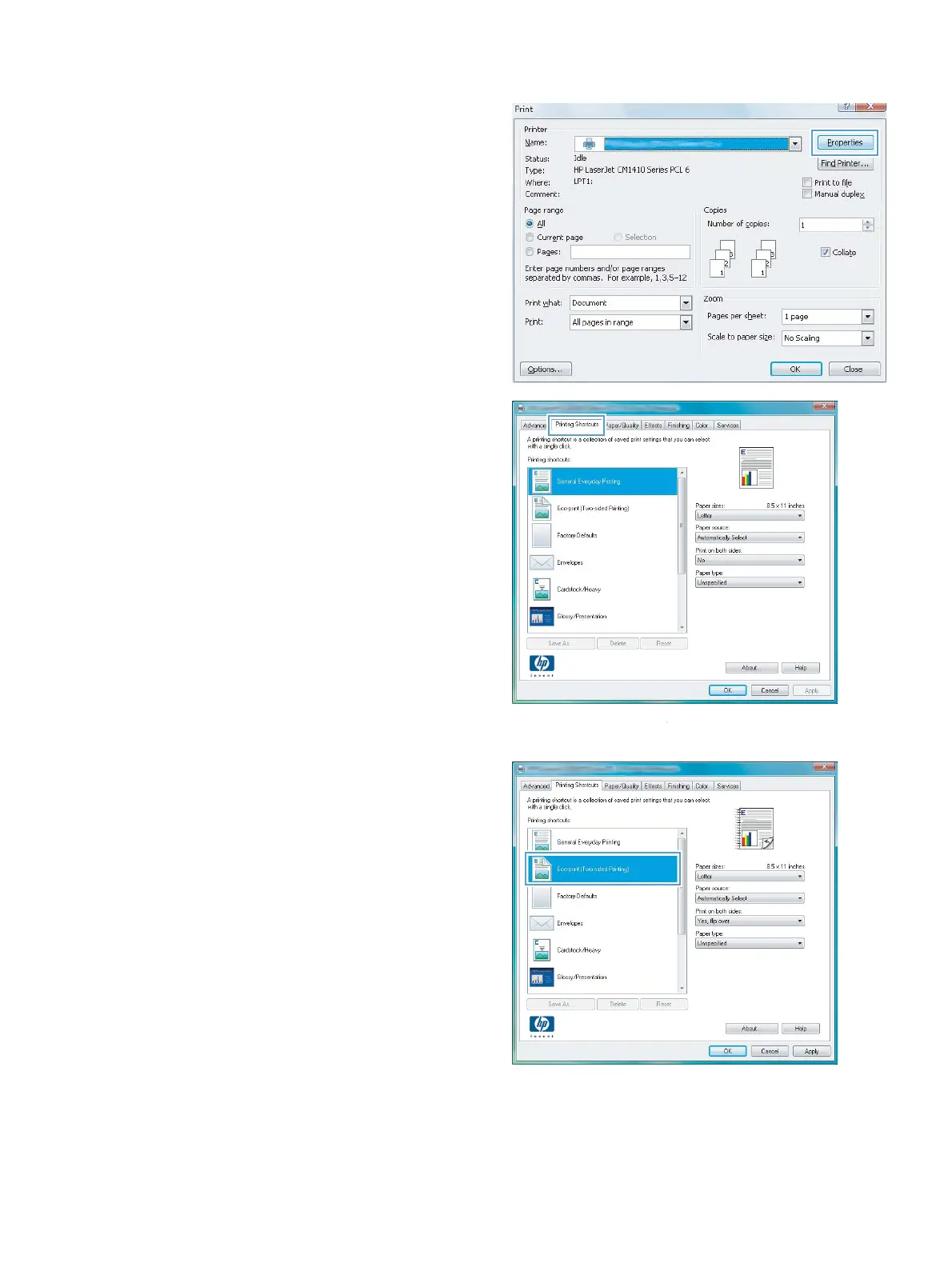
2. Select the product, and then click the
Properties or Preferences button.
3. Click the Printing Shortcuts tab.
4. Select one of the shortcuts, and then click the
OK button.
NOTE: When you select a shortcut, the
corresponding settings change on the other
tabs in the printer driver.
ENWW
Basic print tasks with Windows
53



 To Next Page