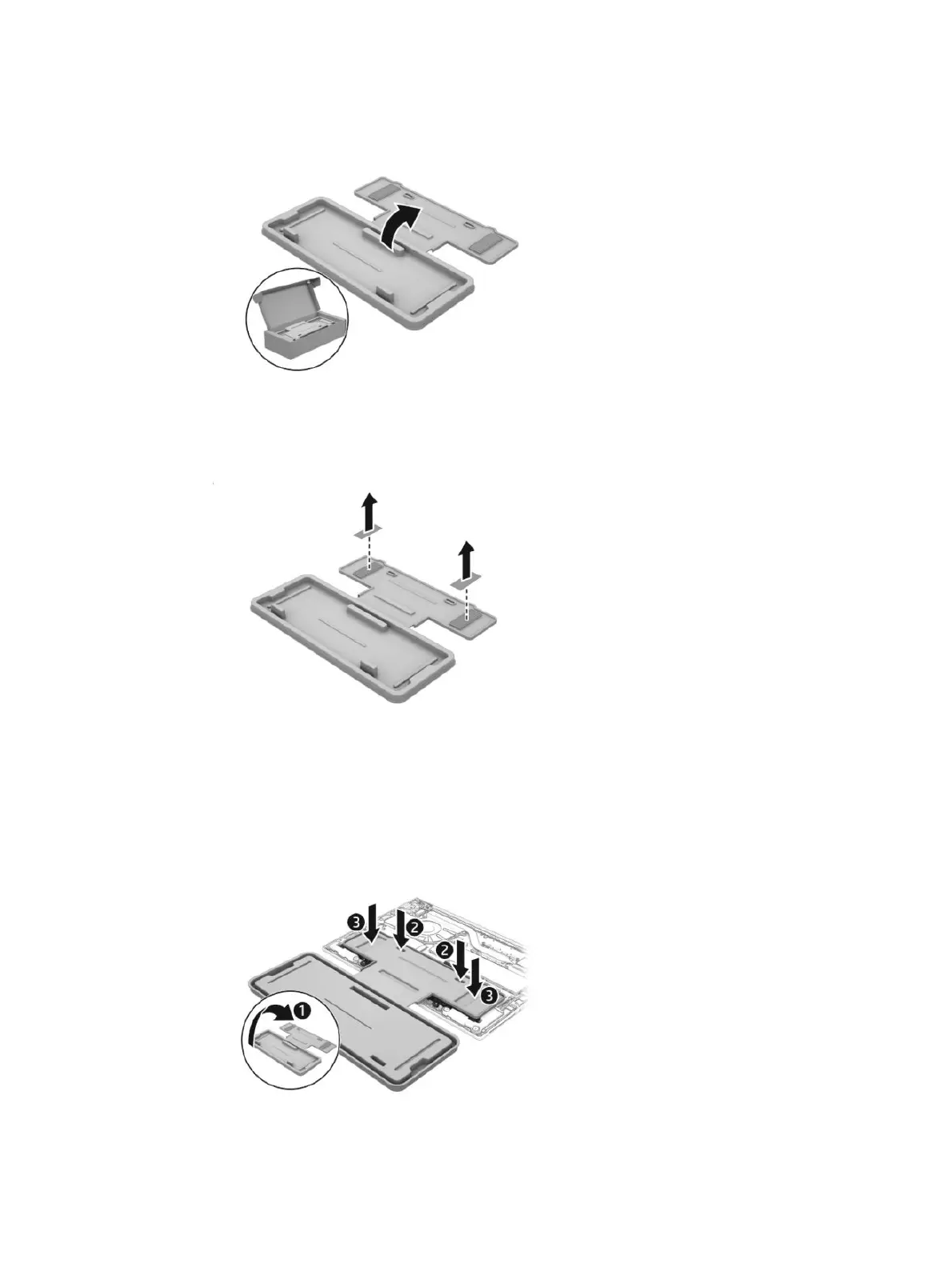
b. Open the empty battery containment tray.
c. Remove the paper backing layer from the adhesive on the tray.
d. Turn the tray (1) over so that the adhesive is facing down.
e. Place the tray (2) centered on the battery.
f. Press down on the indentations on the tray (3) to adhere it to the battery.
44
Chapter 6 Removal and replacement procedures for Customer Self-Repair parts



 To Next Page