Service Manual Removal and Replacement 2-9
Removing the Hard Disk Drive
(User-Replaceable)
Required Equipment
1 Phillips screwdriver
Removal Procedure
NOTE: If you are installing a new hard disk drive, load the factory software and operating system on the
drive as described in “Recovering the Factory Software”, as shown on the next page.
1. Unplug the AC adapter, if present, and then remove the battery.
2. On the bottom of the notebook, remove the hard disk drive rubber screw plugs and
M2.5×6.0mm screws. (The number of plugs and screws varies by model.)
3. Carefully pull the hard disk drive out of the notebook.
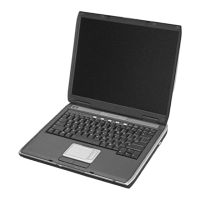
Figure 2-7. Removing the Hard Disk Drive


 To Next Page
 Loading...