Service Manual Removal and Replacement 2-23
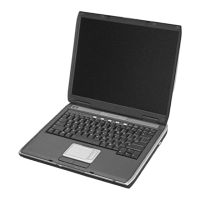
Removing the Display Assembly
(Authorized Service Providers Only)
Required Equipment
1 Phillips screwdriver
Removal Procedure
1. Unplug the AC adapter, if present, and then remove the battery.
2. Remove the keyboard cover (page 2-13).
3. Remove the two M2.5×6.0mm retaining screws from the notebook rear panel.
4. Remove the M2.5×4.0mm screws from the left and right antenna PCAs. Relocate the antenna PCAs
away from the display assembly hinges.
5. Disconnect the display assembly cable from the motherboard.
6. Remove the six M2.5×6.0mm retaining screws that secure the display assembly to the top case.
(Note that there is a grounding strap at the left hinge.)
7. Lift the display assembly off of the notebook.


 To Next Page
 Loading...