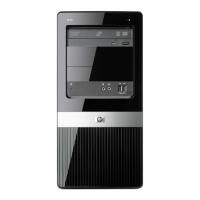
The 3.5-inch hard drive is located under the optical drive. To remove the hard drive:
1.
Prepare the computer for disassembly (
Preparation for Disassembly on page 87).
2.
Remove the access panel (
Access Panel on page 88).
3.
Remove the front bezel (
Front Bezel on page 89).
4.
Remove the system fan (
System Fan on page 103).
5.
Remove the optical drive (
Removing the Optical Drive on page 113).
6.
Disconnect the power cable and data cable from the back of the hard drive.
7.
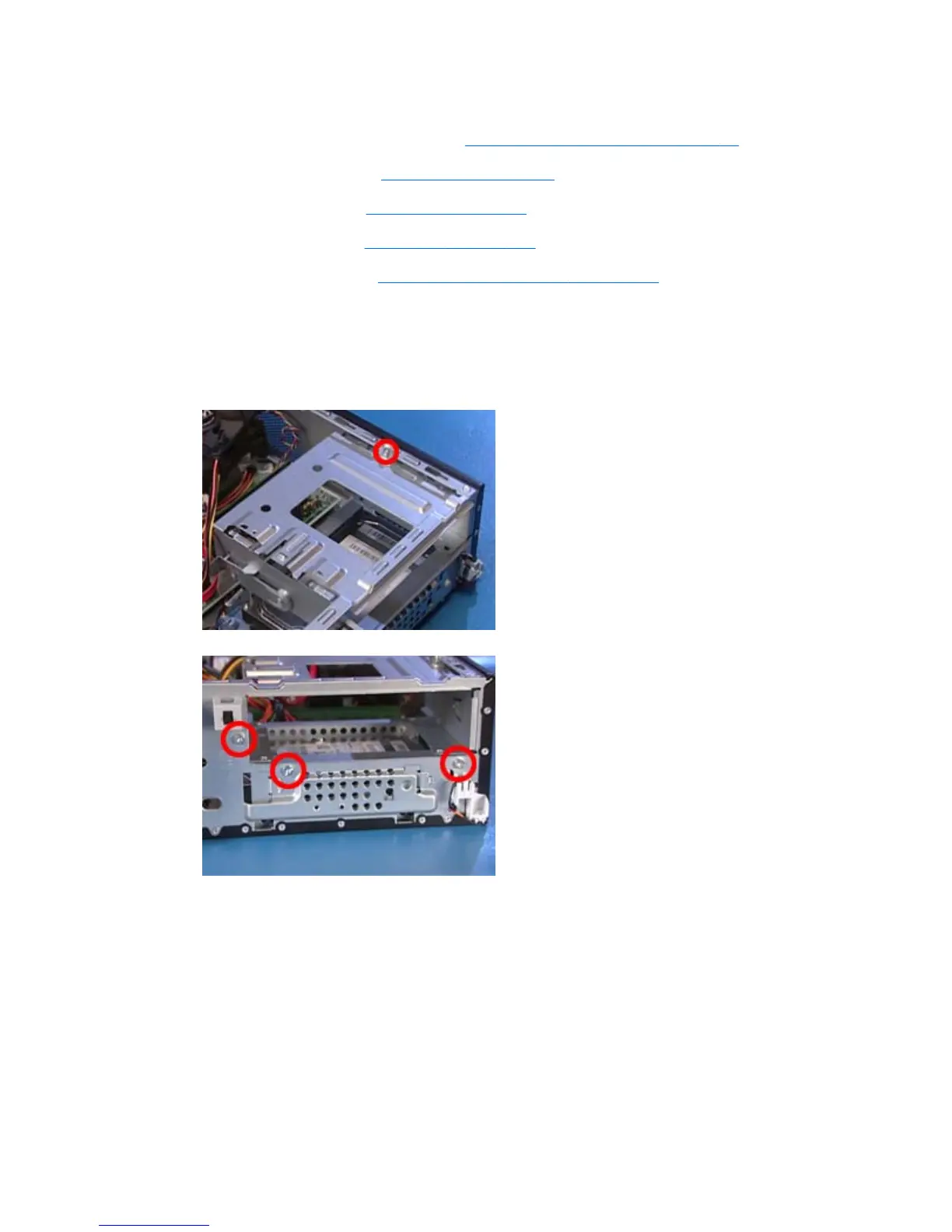
Remove the four screws securing the drive cage assembly to the PC – one at the top of the
assembly and three on the front of the PC.
Figure 6-25 Hard drive cage screw location – top
Figure 6-26 Hard drive cage screw location – front
Drives
115


 To Next Page
 Loading...