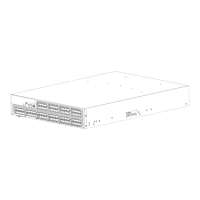
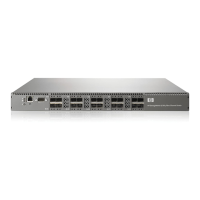
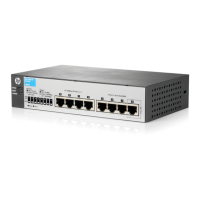
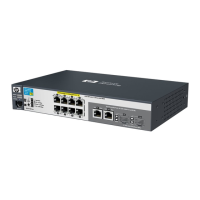
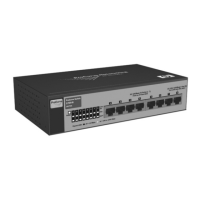
Installing the switch as a standalone device
To install the switch as a standalone unit:
1. Unpack the switch, and verify that all items listed in “Shipping carton contents” on page 31 are
present.
2. Locate the four rubber feet in the accessory box.
3. Apply the adhesive rubber feet to the switch. The rubber feet help prevent the switch from sliding
off the supporting surface:
a. Clean the indentations at each corner of the bottom of the switch, to ensure that they are
free of dust or other debris that might lessen the adhesion of the feet.
b. With the adhesive side against the chassis, place one rubber foot in each indentation, and
press into place.
4. Place the switch on a flat, sturdy surface.
5. Apply power to the switch as described in “Power on the 8-Gb SAN Switch” on page 46.
CAUTION:
Do not connect the switch to the network until the IP address is set. See “Set the IP address” on page 48.
Installing the switch using the SAN Switch Rack Mount Kit
The SAN Switch Rack Mount Kit is supplied with your 8-Gb SAN Switch. Use the SAN Switch Rack
Mount Kit with the following optional HP StorageWorks custom racks only:
• HP 9000 Series Rack
• HP 10000 Series Rack
• HP 10000 G2 Series Rack
• HP System/e Rack
NOTE:
Figures and procedures throughout this document use “HP 10000 Series Rack” to reference both
10000 Series rack models (HP 10000 Series Rack and HP 10000 G2 Series Rack).
Before you begin—important information about the plenum
The plenum is an air duct that attaches to the switch rails, enabling the switch to draw cooler air into
the switch from outside the rack, rather than drawing in heated air from within the rack.
A plenum ships with the following 8-Gb SAN Switch models only:
• 8/8 SAN Switch
• 8/24 SAN Switch
See “Installing the plenum (if required)” on page 44 for complete instructions on how to install a
plenum.
8-Gb SAN Switch hardware reference manual 35



 To Next Page
 Loading...