4 Using the Camcorder
4.1 Shooting a Movie Clip
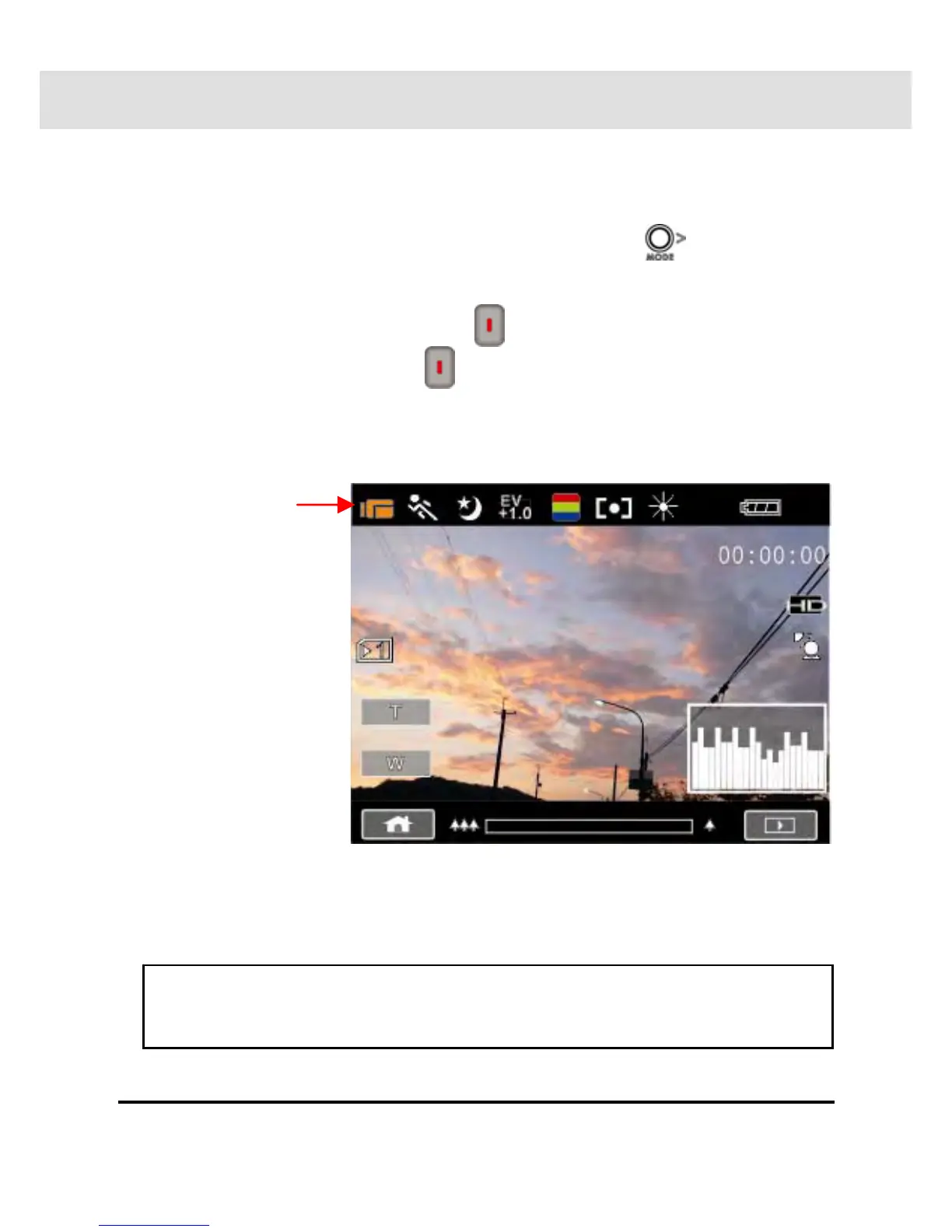
1. Power on the camcorder by opening the LCD panel or pressing
the power button. Press the Mode Button (
) or touch the
“DV Mode icon” on the LCD screen to switch to DV mode.
2. Press the Recording Button (
) to start recording. Press the
Recording Button again (
) to stop recording.
3. The camcorder will store the video clip automatically.
32
DV Mode Icon
Note: It is recommended to use a 4 GB or greater SD / SDHC
memory card for video recording.



 To Next Page