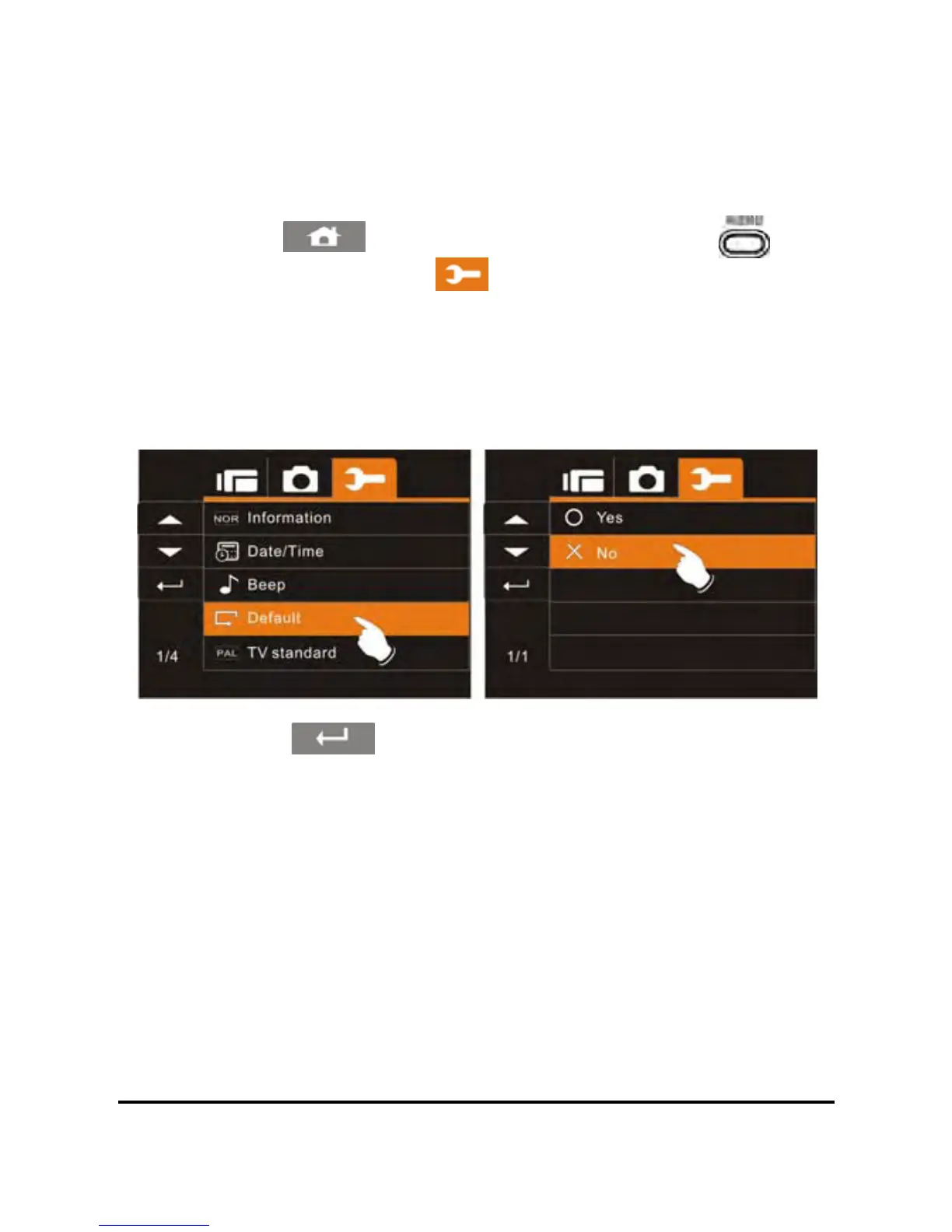
6.5.4 Default
Use this to reset all settings to the original factory default settings.
1. Power on the camcorder.
74
2. Touch the
icon or press the Menu Button ( ) then
touch the Settings icon
. Touch the Default option to
display the submenu.
3. Touch the desired option to restore or not to restore the
camcorder original factory settings. If you select yes, another
prompt will be displayed again to confirm.
4. Touch the icon to exit the Menu mode.



 To Next Page