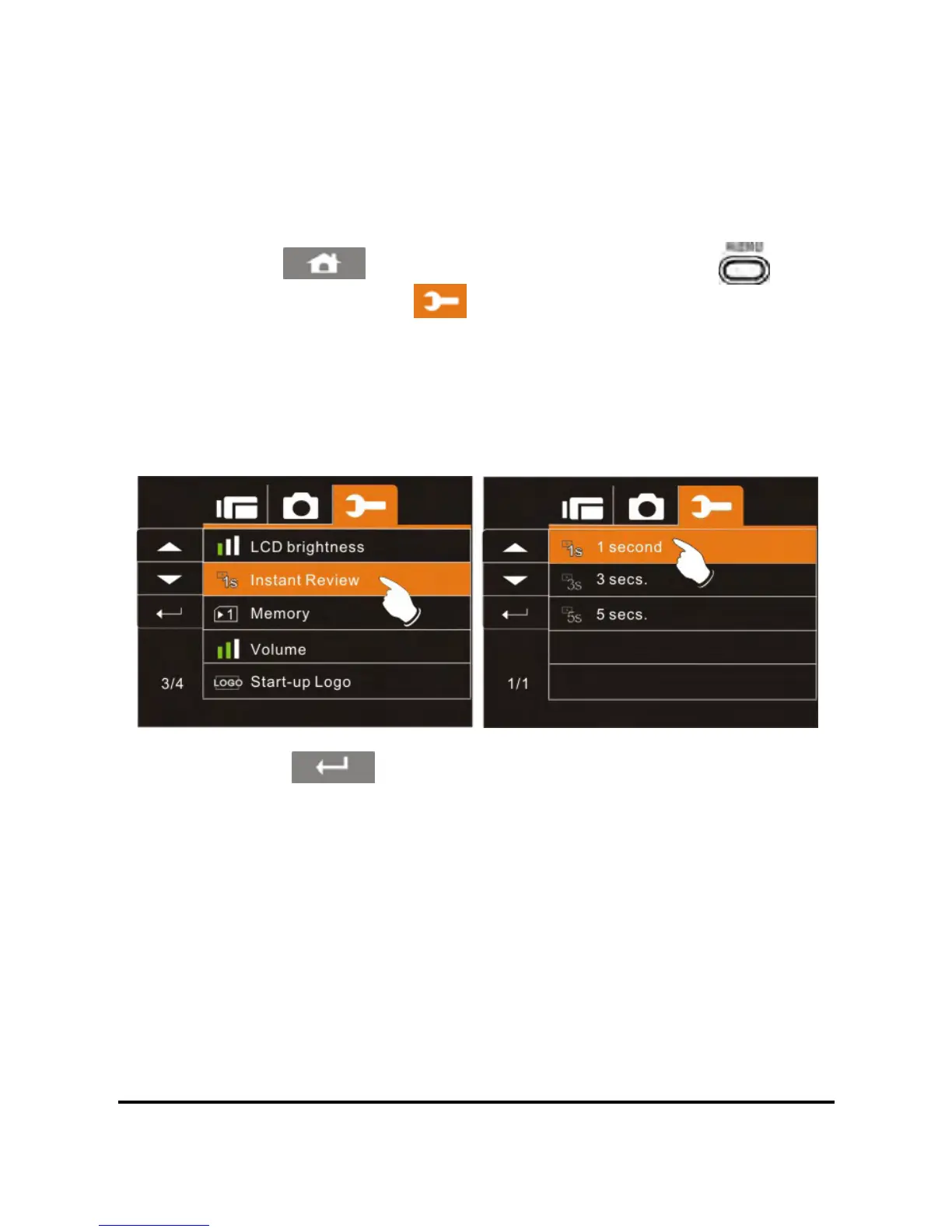
6.5.12 Instant Review
This setting can be used to determine the number of seconds that a
photo will displayed on the LCD after capture.
1. Power on the camcorder.
82
2. Touch the
icon or press the Menu Button ( ) then
touch the Settings icon
. Touch the Instant Review option
to display the submenu.
3. Touch the desired option (1S, 3S, or 5S) to select as illustrated
below. After an option is selected, the Menu screen will be
displayed again. The default setting is 1 second.
4. Touch the icon to exit the Menu mode.



 To Next Page