4.3 Video Clip / Voice Clip Playback
Note: Video, Photos and Audios may not play back on the
camcorder if:
1. The folder/file name has been changed on your computer.
2. If the file has been edited / processed on a computer or
captured with another camcorder / camera.
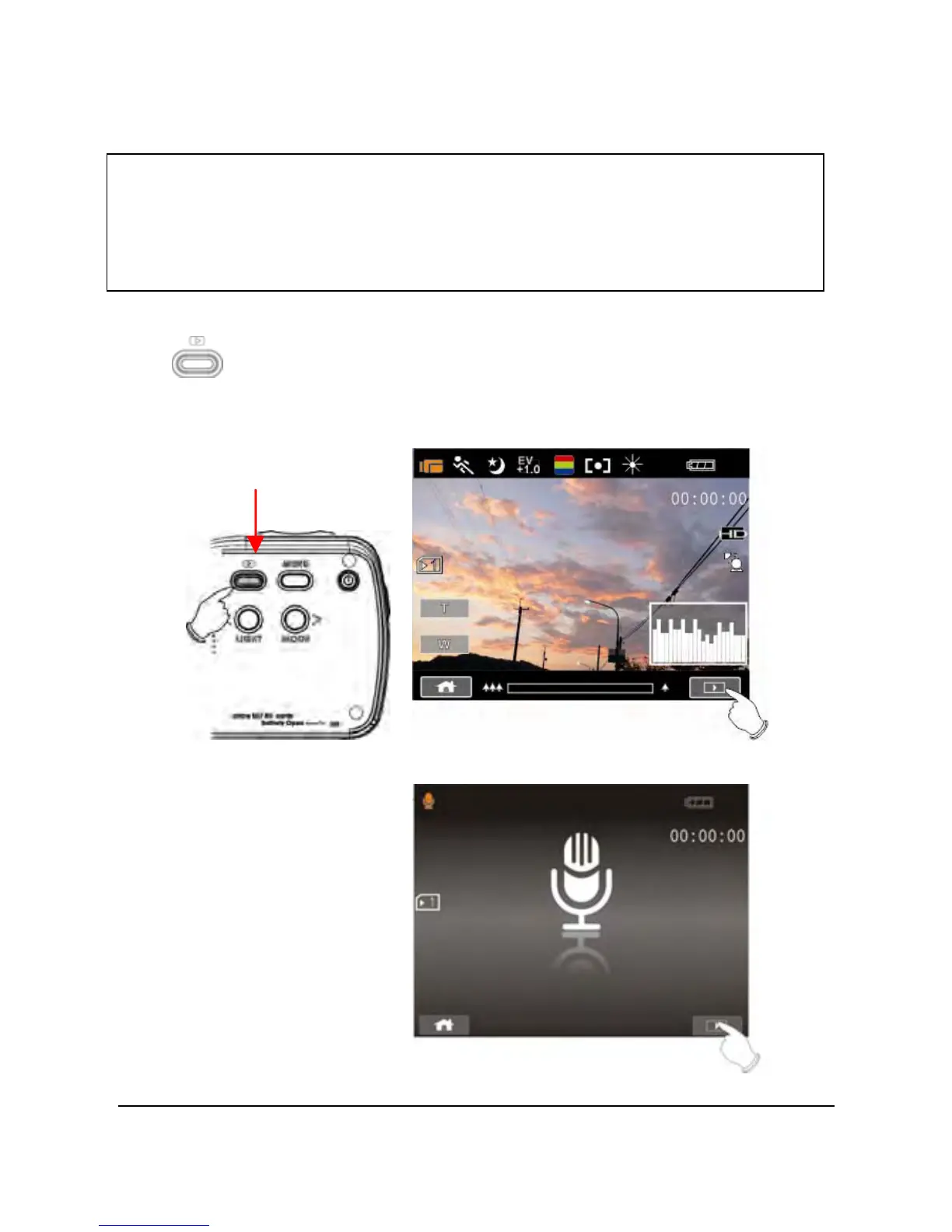
1. In DV / Voice Recording Mode, pressing the Playback Button
(
) or touching the Playback Mode icon on the LCD screen to
will put the camcorder in playback mode. The last file stored
will be displayed on the LCD screen.
Playback
35
Playback Mode icon
Playback Mode icon



 To Next Page