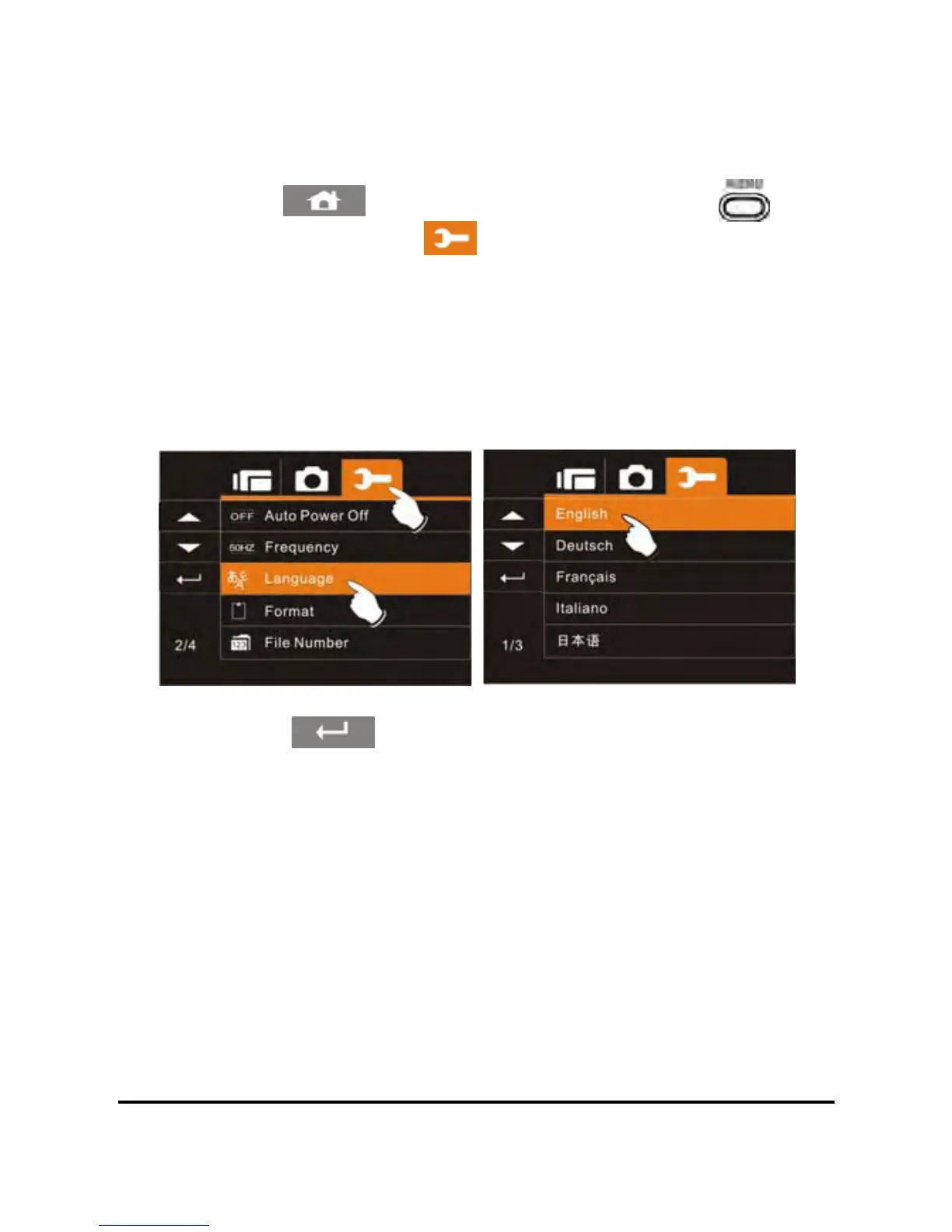
6.5.8 Language
1. Power on the camcorder.
2. Touch the
icon or press the Menu Button ( ) then
touch the Settings icon
. Touch the Language option to
display the submenu.
3. Touch the desired User Interface language (English, German,
French, Italian, Japanese, Spanish, Portuguese, Traditional
Chinese, Simplified Chinese, Turkish, Russian, Thai, Arabian or
Korean) to select.
4. Touch the icon to exit the Menu mode.
78



 To Next Page