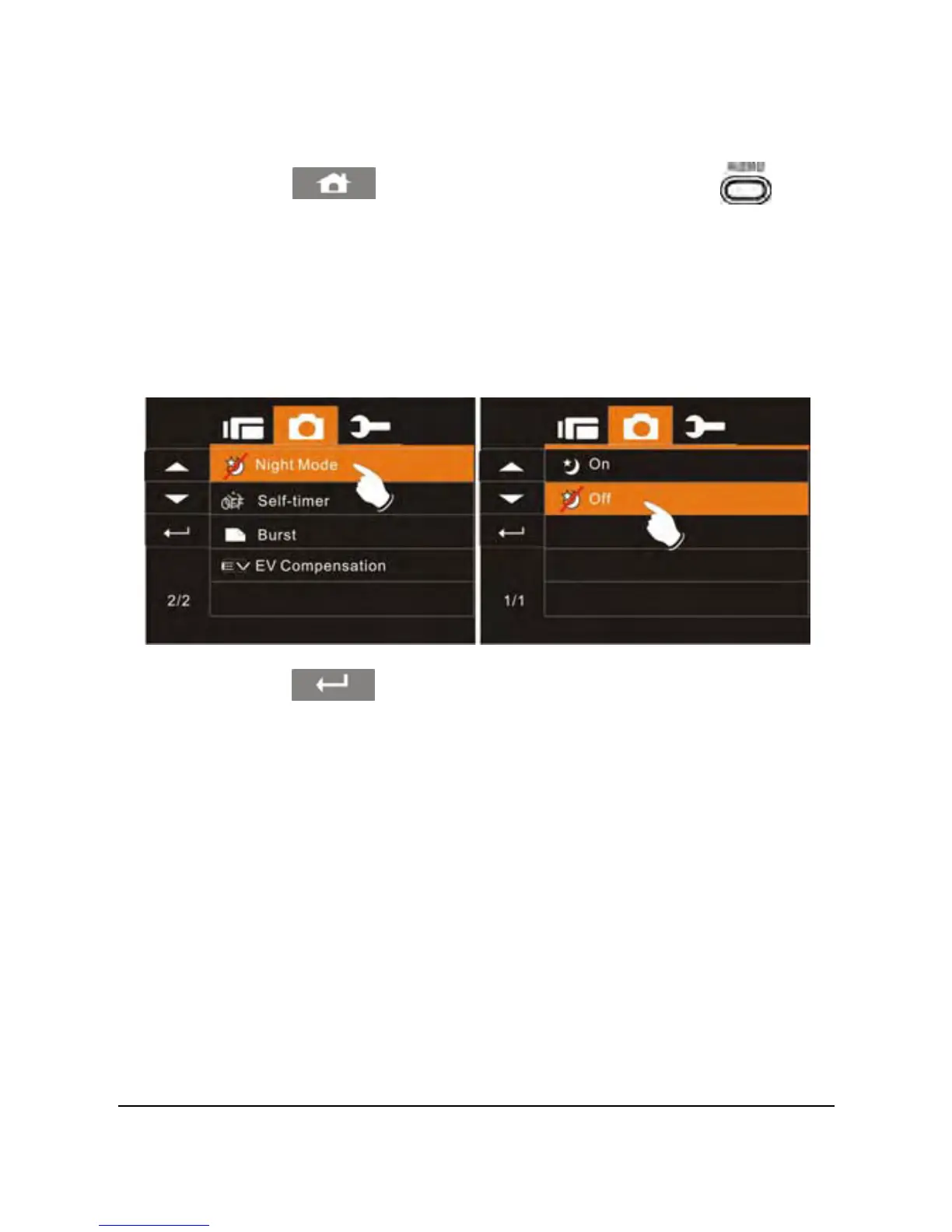
6.3.6 Night Mode
1. Power on the camcorder and make sure it is in the DSC Mode.
61
2. Touch the
icon or press the Menu Button ( ) then
touch the Night Mode option to display the submenu.
3. Touch the desired Night Mode option to enable or disable the
function as illustrated below. After an option is selected, the
Menu screen will be displayed again. The default setting is
disabled. Enabling the option will compensate for a low light
situations. The default setting is off.
4. Touch the icon to return to DSC recording mode.



 To Next Page