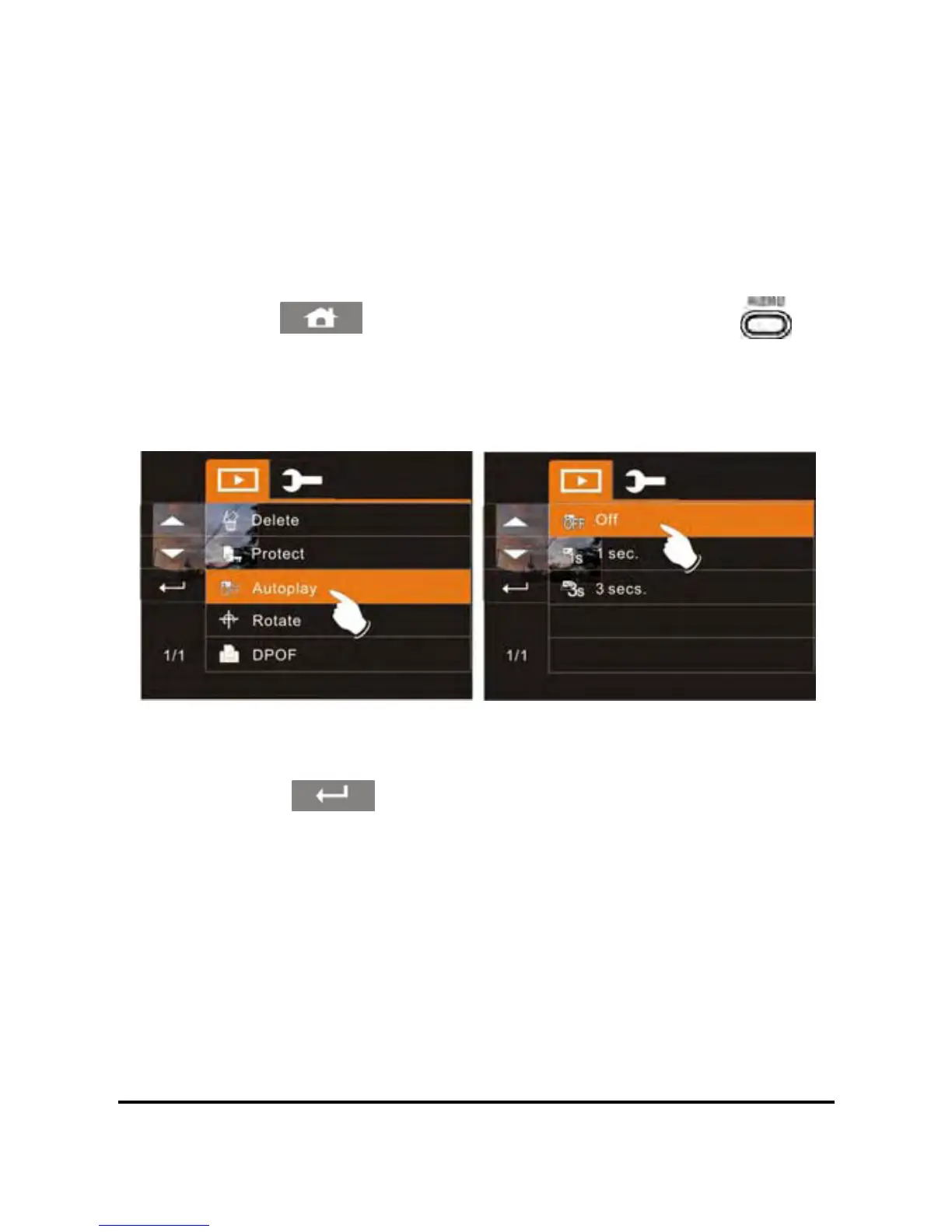
6.4.3 Autoplay
This camcorder includes a slideshow feature for playing back each
photo at a fixed interval.
1. Power on the camcorder and make sure it is in the DSC
Playback Mode.
2. Touch the screen to select the file to begin the slideshow and
touch the
icon or press the Menu Button ( ) to
enter Menu mode.
3. Touch the desired photo display interval (Off, 1 sec., or 3 secs.).
The photo slideshow will begin to play at the selected interval.
4. Touch the LCD screen to suspend the slideshow and return to
Menu mode.
68
5. Touch the icon to return to Playback mode.



 To Next Page