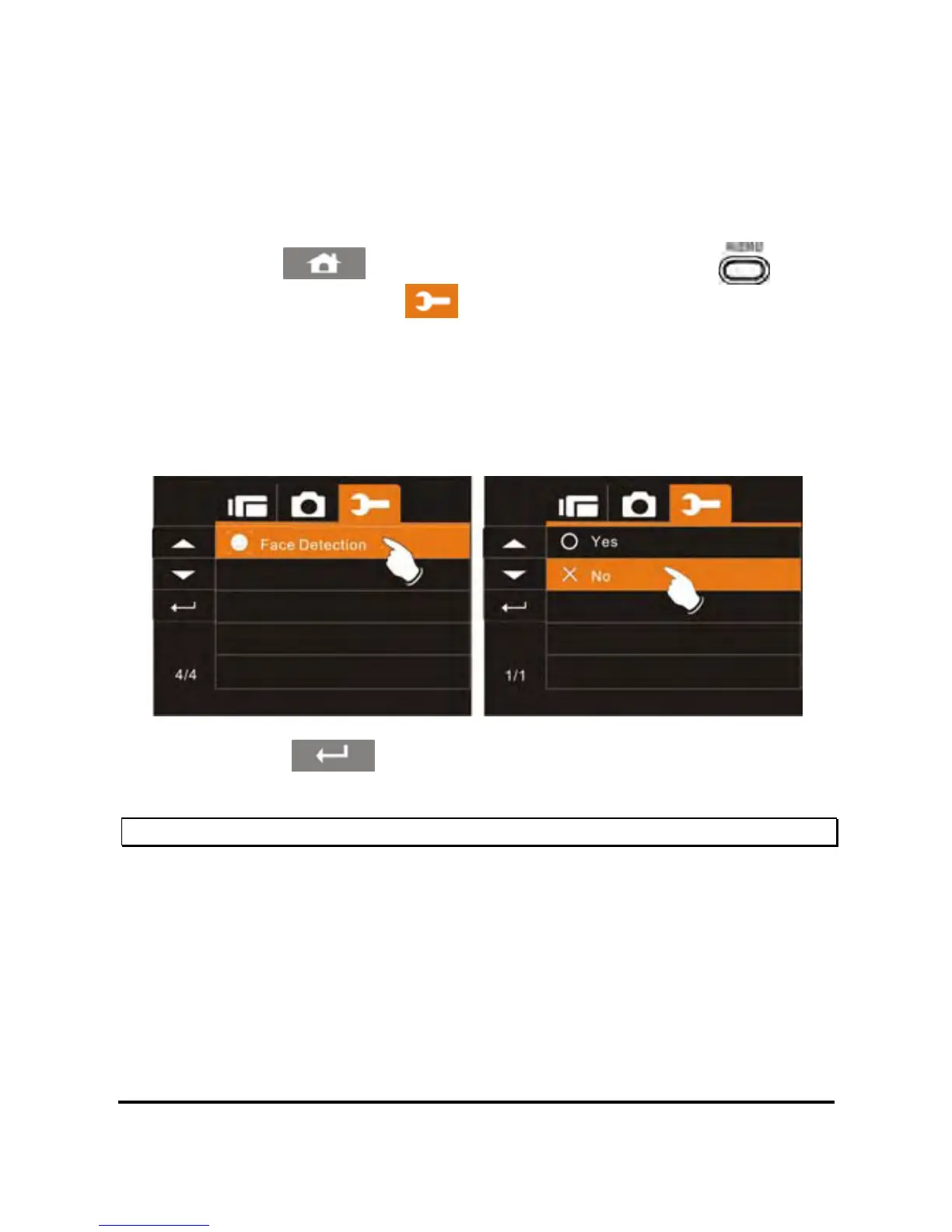
6.5.16 Face Detection
The Face Detection setting will detect and focus on faces in a scene
automatically during a photo mode.
1. Power on the camcorder.
8
2. Touch the
icon or press the Menu Button ( ) then
touch the Settings icon
. Touch the Face Detection option
to display the submenu.
3. Touch the desired option to enable or disable the setting. The
default option is Off. Enabling face detection may slow the shot
to shot time.
4. Touch the icon to exit the Menu mode.
Note: Face Detection can ONLY be used in DSC (Photo) mode.



 To Next Page