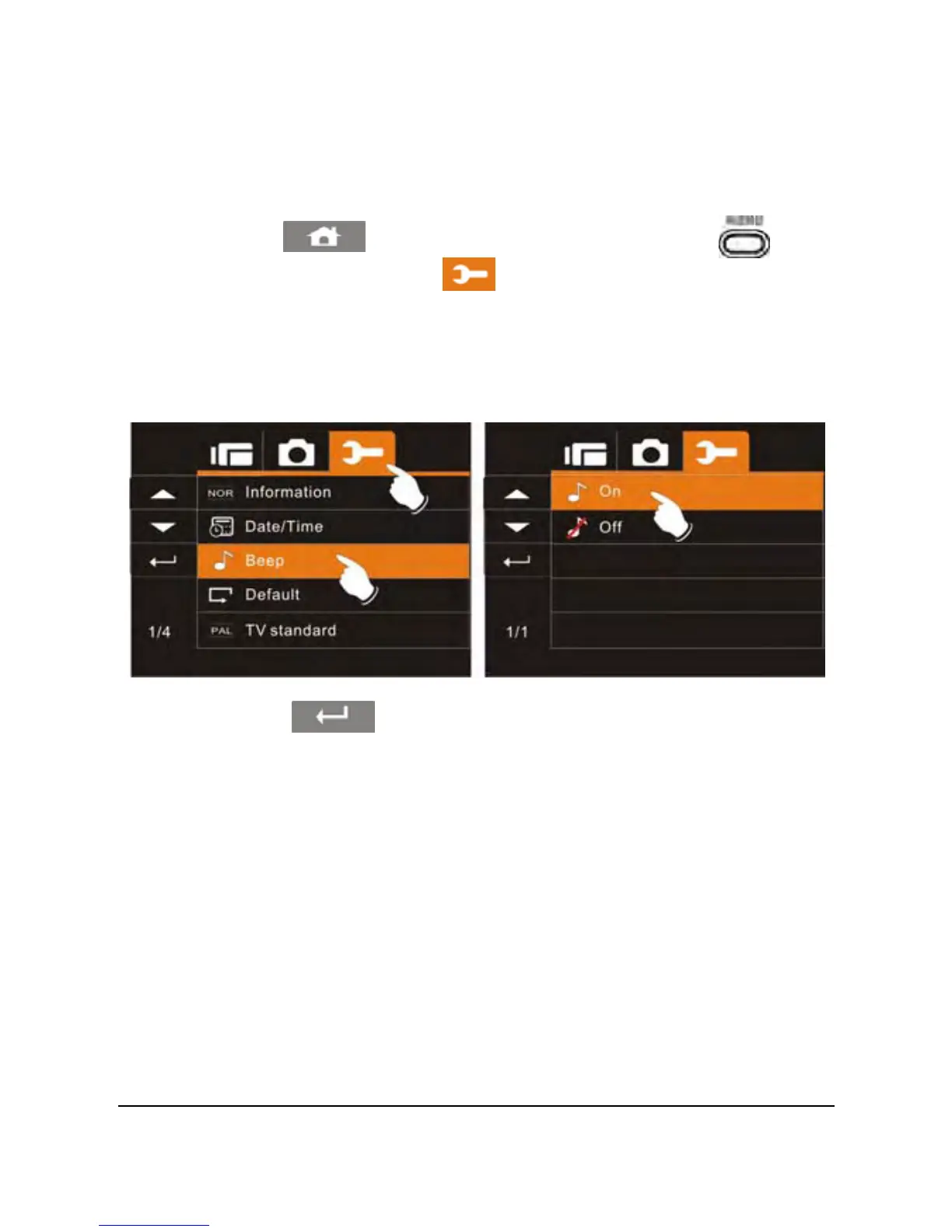
6.5.3 Beep
1. Power on the camcorder.
2. Touch the
icon or press the Menu Button ( ) then
touch the Settings icon
. Touch the Beep option to
display the submenu.
3. Touch the desired option to enable or disable the camcorder
sound effects. The default option is On.
4. Touch the icon to exit the Menu mode.
73



 To Next Page