2. Touch the
icon or press the Menu Button ( ) then
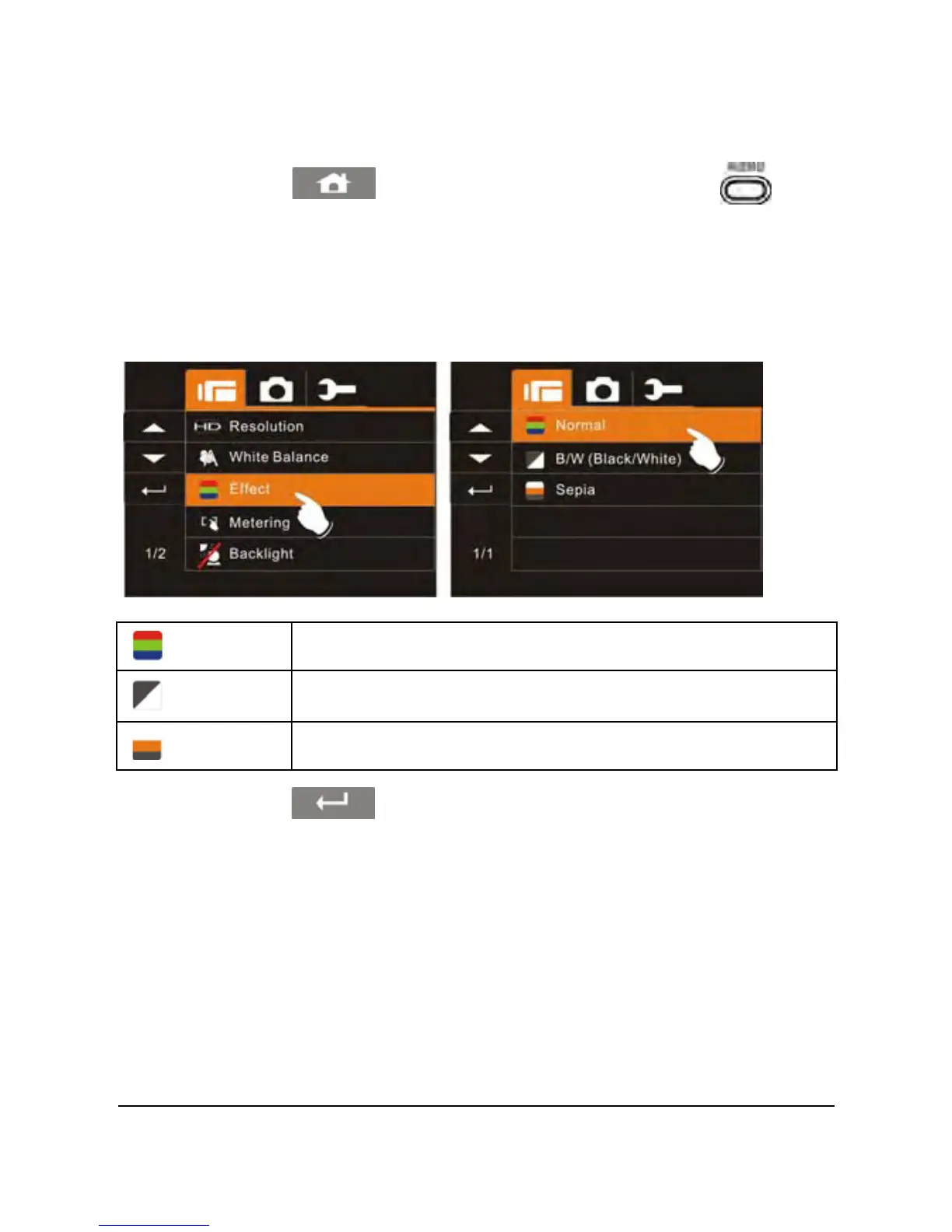
touch the Effect option to display the submenu.
3. Touch the desired Effect option (Normal, B/W (Black/White) or
Sepia) to select as illustrated below. After an option is selected,
the Menu screen will be displayed again.
Normal
Make recordings in nature color
B&W
Make recordings in B&W (Black and White) color
Sepia
Make recordings in Sepia-toned color
4. Touch the icon to return to video recording mode.



 To Next Page